Before Oxygen can be used, you must verify that DITA-OT is installed in the correct location.
Remember
You can click on images to view a larger size.
Step-by-step guide
To install DITA-OT:
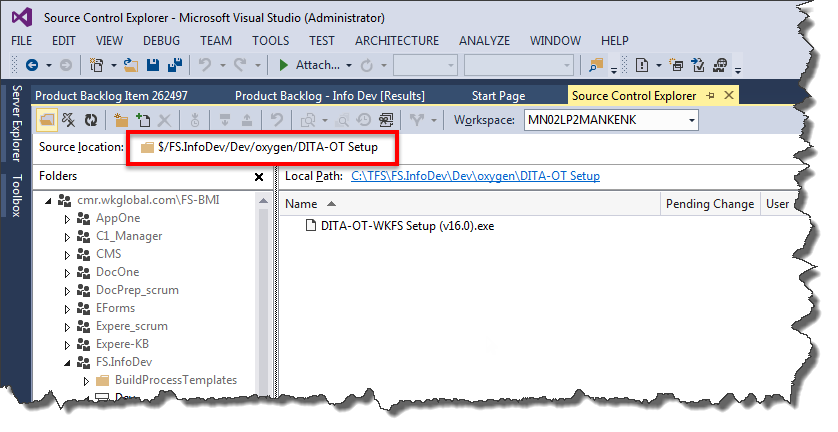
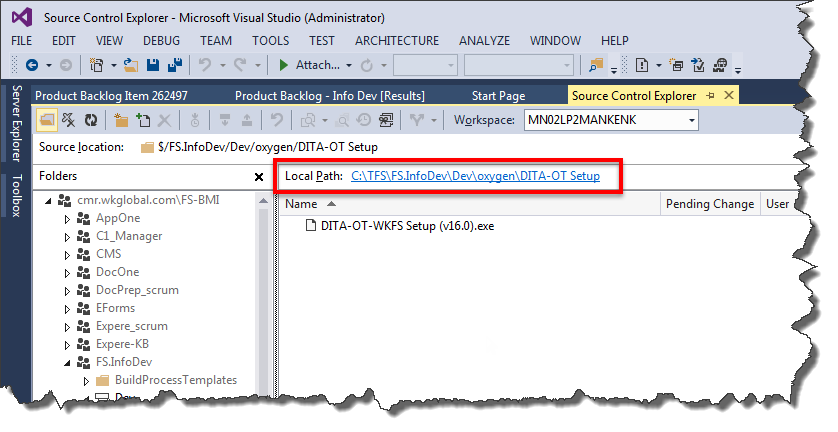
Click the following link and save on your local PC.
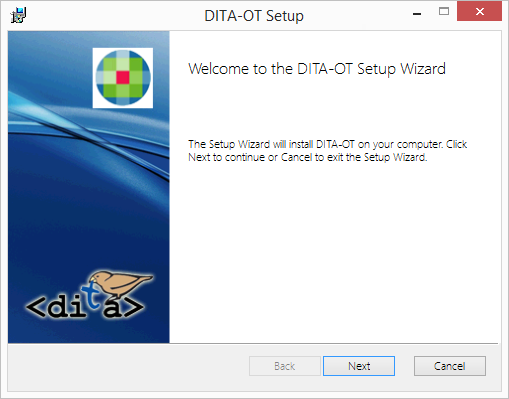
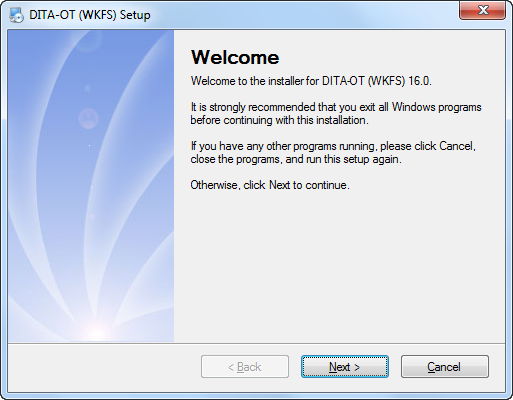
Locate the Setup file on your local hard drive and double-click the file to begin installation of the DITA-OT files.
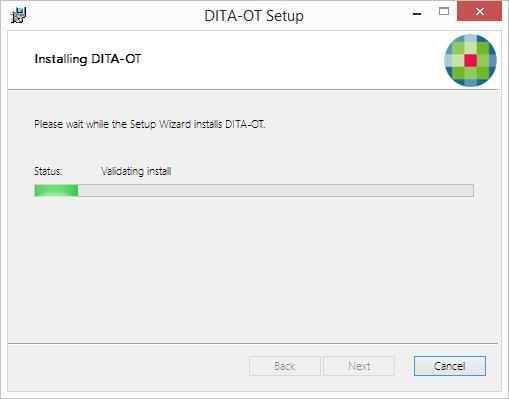
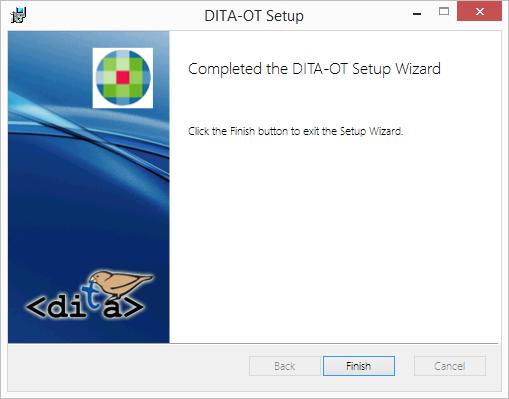
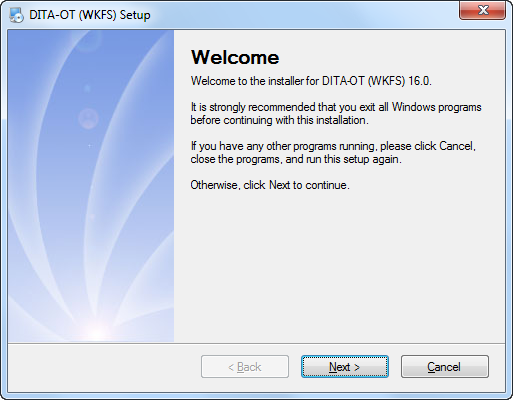
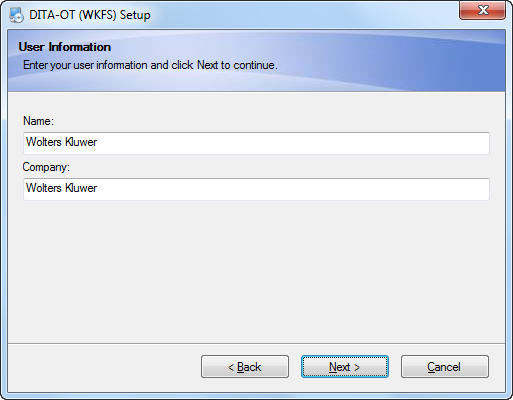
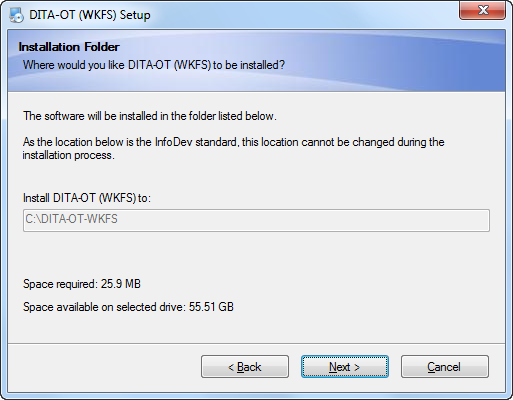
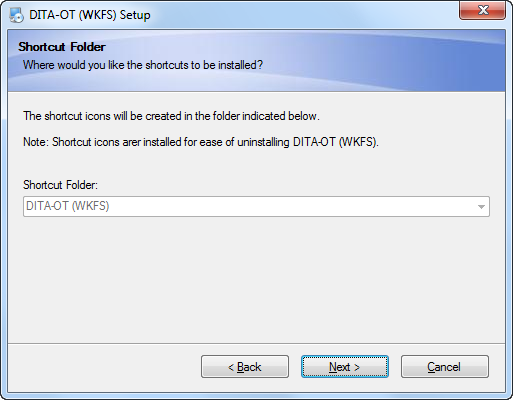
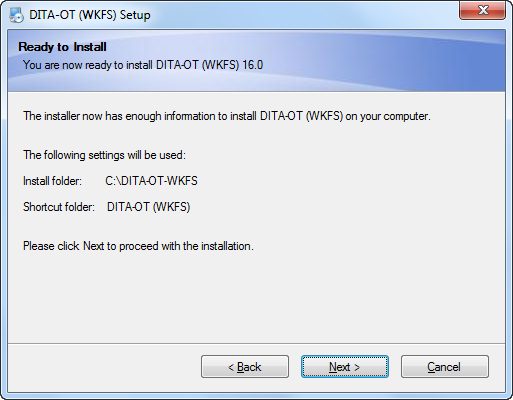
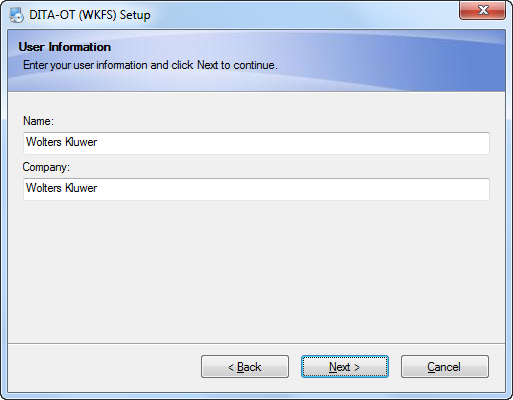
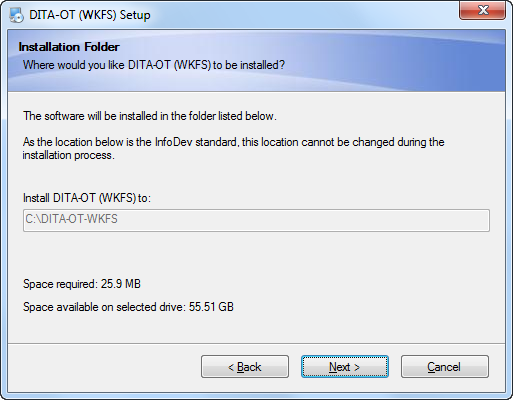
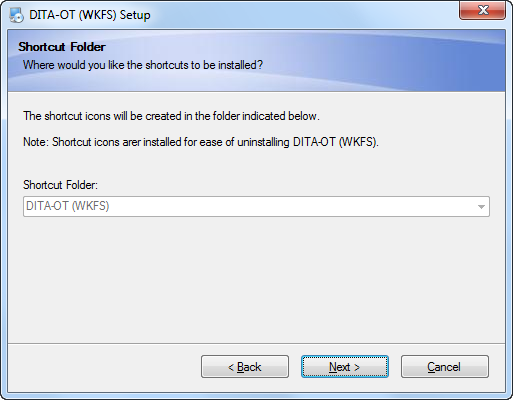
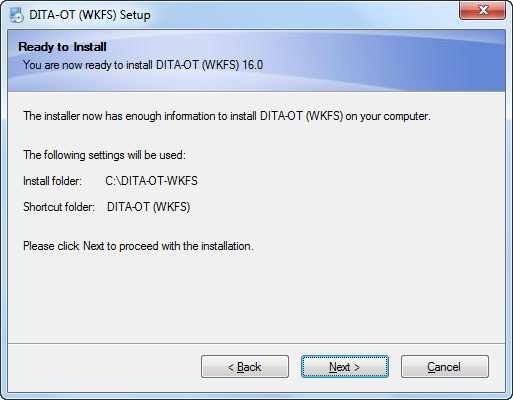
Follow the onscreen prompts within the installation program, accepting all default values.
IMPORTANT
All customization of the installation has been omitted. This provides for uniformity across team members and ease of assisting each other during training and troubleshooting.
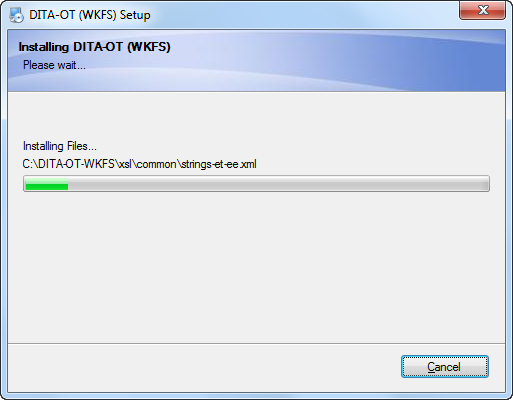
Click any of the following images to view screen captures of the setup application.
Note
Through the Setup file, the WKFS custom installation of DITA-OT is installed on your local drive to C:\DITA-OT\DITA-OT-WKFS.
See Also
Related articles
Attachments:
 Location of file in TFS.png (image/png)
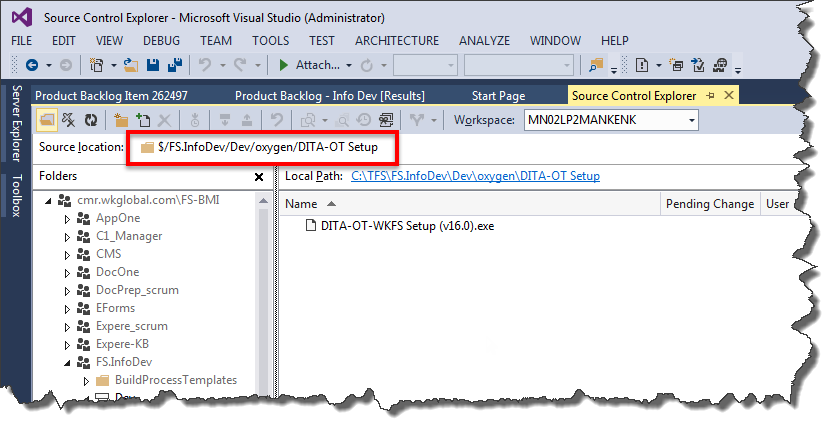 Location of file in TFS.png (image/png)
 Local Path.png (image/png)
 Installation 01.png (image/png)
 Installation 02.png (image/png)
 Installation 03.png (image/png)
 Installation 04.png (image/png)
 Installation 05.png (image/png)
 Installation 01.png (image/png)
 Installation 02.png (image/png)
 Installation 03.png (image/png)
 Installation 04.png (image/png)
 Installation 05.png (image/png)
 Installation 06.png (image/png)
 Installation 07.png (image/png)
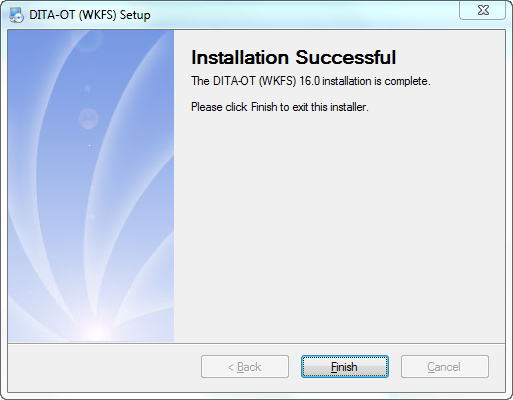 image2016-7-25 8:14:15.png (image/png)
 image2016-7-25 8:14:53.png (image/png)
 image2016-7-25 8:15:11.png (image/png)
