Add a Phase
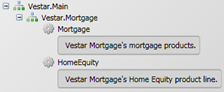
- Select the LOB; right-click and select Add Phase.
- Select the new Phase, press the F2 key and change the phase name to Upfront.
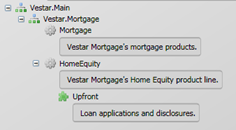
-
Select to commit the changes.
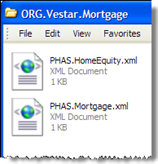
At this point, the Vestar.Mortgage folder will have two PHAS files: PHAS.HomeEquity.xml and PHAS.Mortgage.xml. The Home Equity phase file, PHAS.HomeEquity.xml, provides the LOB ID and description followed by the phase information.