Command Line Options
There are commands for performing Admin Tool tasks on-demand or on a scheduled basis. In addition there are unique commands for working with repositories and REQ files.
The majority of the command-line functions use a single executable,
ReqAdmin.exe, that accepts the command-line parameters to determine which
function to perform. In other cases a different executable may be used; for example,
generating dynamic document previews uses the BuildDocPreviews executable
(BuildDocPreviews.exe). The complete list of commandline applications
includes:
Accessing the command line
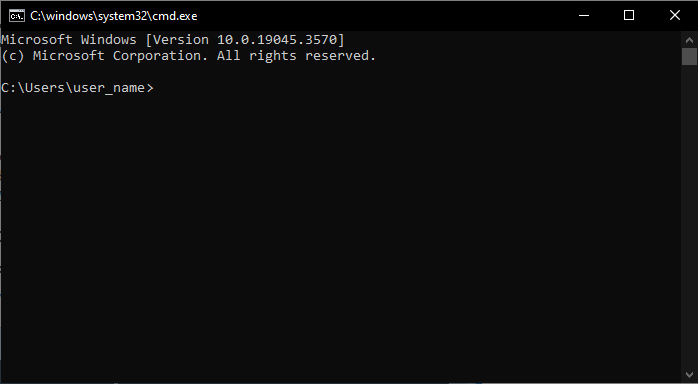
To access the Windows command-line prompt (cmd.exe):
- Click the Start button and type cmd or command prompt
and select the Command Prompt result. The Command Prompt window
appears.
- Use the change directory (cd, or chdir) command to navigate to
the RequirementsAdmin.exe folder location. From this location, you hjave
access to the various command applications.Note: The default installation location is: C:\Program Files\Wolters Kluwer\Expere Server Tools