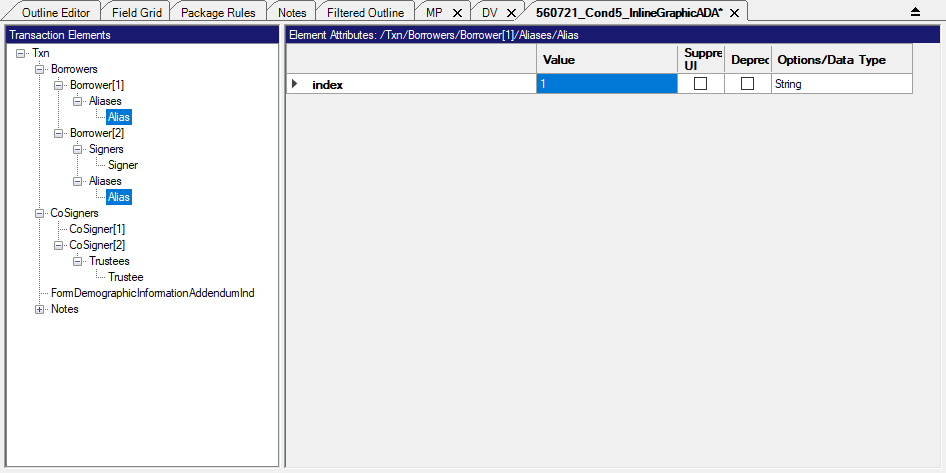
Child Elements
The Add Child Element command allows you to add a child element to the selected element. When creating an effective file following the rules of XML, child elements organize the information. A root element is a container for all other elements. While you must have a root to create a viable XML file, it is the child elements that add functionality to the page. Consider the root element a filing cabinet and child elements are the drawers to that cabinet. Add as many child elements to the root as necessary.
Adding multiple child elements
You can add child elements to each element selected in a multiple selection. This is
done by selecting multiple desired elements as described in Selecting Multiple Items (Ctrl+Click or Shift+Click), then right-clicking a selected element, selecting Add
Child Element and finally the desired element.
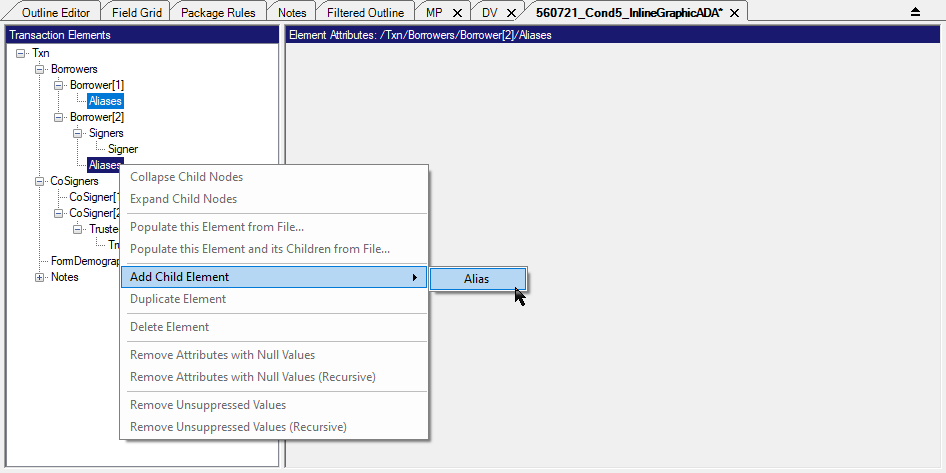
Note: If selected elements are of different types or cannot have child elements, the Add Child Element option is disabled.
After you have selected the element from the context menu, you are presented with the
element attributes for the first of the new elements added.