The Home screen is the starting screen, providing access to all major areas of the application.
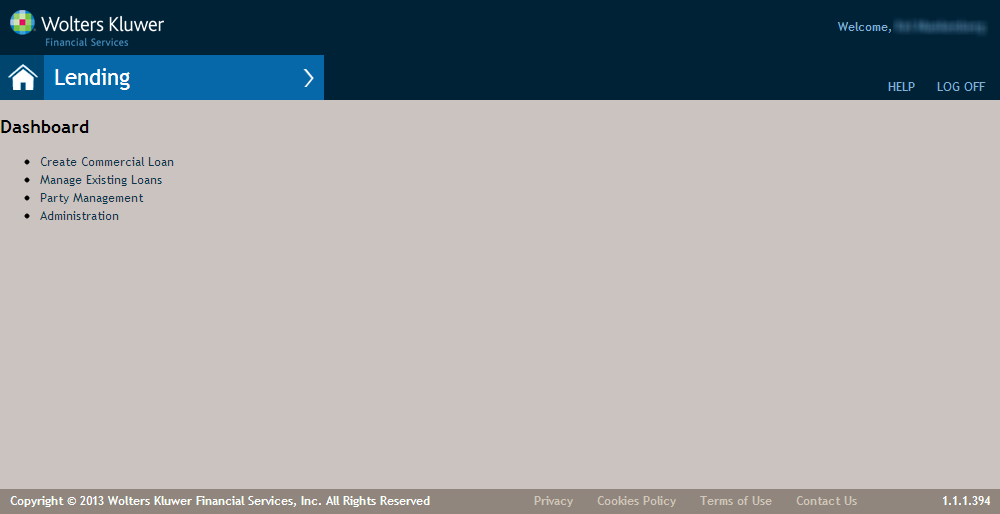
Features of the Commercial Lending Home Page
| Feature | Description |
|---|---|
Home Button  |
The Home button returns you to the Home screen. This is accessible from any screen in the application. |
| Lending Menu | The overlay menu expander opens when you hover over the arrow. |
| Create Commercial Loan | Allows you to create a new transaction. For more information refer to Create New Transaction Page |
| Manage Existing Loans | Allows you to view and edit loan transactions currently existing in the system. For more information, refer to Manage Existing Loans Screen. |
| Party Management | Allows you to create, view and edit Individual, Entity and Sole Proprietorship parties. For more information, refer to Party Management Page. |
| Administration |