Party Management Page

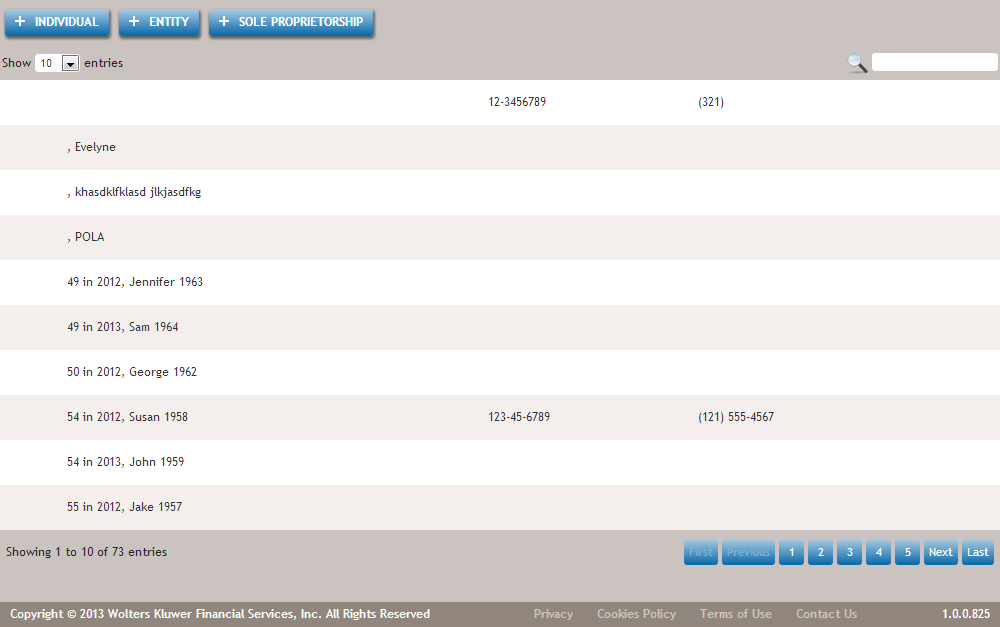
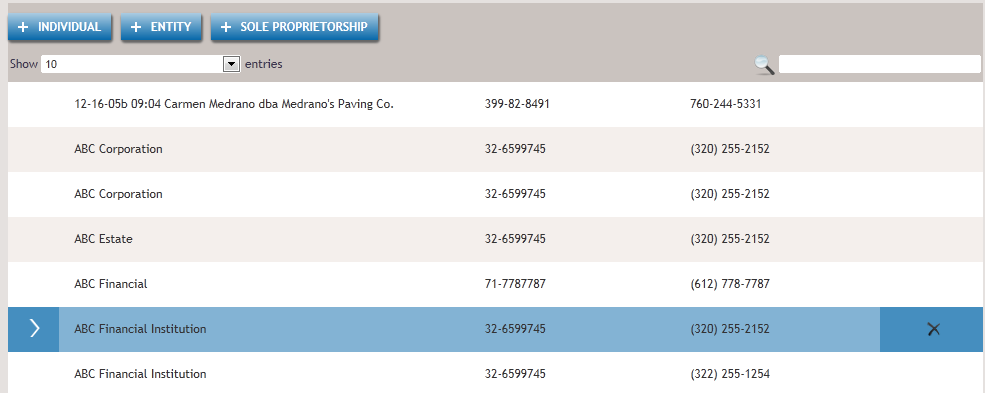
The Party Management screen allows you to create and delete Individual, Entity and Sole Proprietorship parties, and is used to select parties during various tasks.


Non-Individual Entity types consist of :

For more information, refer to Non-Individual Entity Types.

Feature Description
Allows you to create a new Individual party by displaying the Add Individual Page.
Allows you to create a new Entity party using the Add Entity Page.
  • Commercial Lending supports an amended list of entity types that includes individual, sole proprietors, corporations, associations, limited liability companies, general partnerships, limited liability partnerships, limited partnerships and trusts.
  • Adding a borrower or guarantor provides a list of parties to select from, however this list is limited to entity types supported by Commercial Lending.
  • Editing a borrower or guarantor entity includes limiting the entity selection to those supported by commercial; this includes an edit in which a related party is added, the related parties available to select are limited to those supported by Commercial Lending.
  • Adding a borrower or guarantor that was added to Party Management directly and includes a related party that is not supported by Commercial Lending results in the party added to the transaction with the unsupported entity listed in related parties, however the party will not be available to select in the “Signer” view.
Allows you to create a new Sole Proprietorship party using the Add Sole Proprietorship Page.
Allows you to browse to the next consecutive entries and select how many entries to display at a single time.
Provides a full text search of the party database. Partial words are permissible .
Allows you to define how many parties you would like to display.
Cancel Cancels any current activity on the screen and returns you to the previous screen.
Entries
The default page number for any list is page one. When in Party Management (not within a transaction) a user pages through the party list, and the page number is retained.
  • Within Party Management only, a user selects a party to edit from page 15 of the party list. Once the user finishes editing the party (either cancel or save) the user is brought back to page 15 of the party list.
  • Within a transaction, if the user sees the party list (+Borrower/+Guarantor/+Owner/+Landlord/Copy Address/+Related), the system will always display page one initially. The user can then use the pagination keys/search filters to move through the party records. However subsequent requests to the party list within the same transaction will always begin on page one.