This section explains how to use the Retrieve feature within the My Work tab.
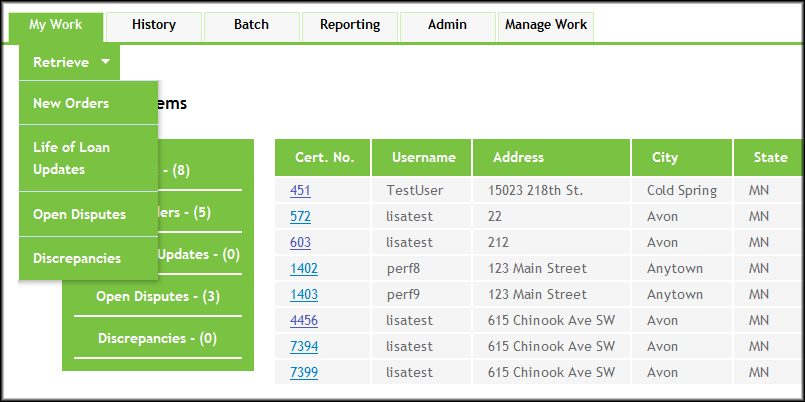
- From the My Work tab, click Retrieve and select one of the following options:
- New Orders
- Life of Loan Updates
- Open Disputes
- Discrepancies
Note:- For Managers, Supervisors, or Internal Mappers: when the user selects New Orders, Life of Loan Updates, Open Disputes, or Discrepancies, two orders are retrieved, and the orders will be put into the mappers queue.
- For Outsource Mappers: when the user selects New Orders or Life of Loan Updates, two orders are retrieved, and the orders will be put into the mappers queue.
- New Rush orders are retrieved before non-Rush new orders.
- See the individual sections below for more information on using each Retrieve feature.Note: For Outsource Mappers: only New Orders and Life of Loan Updates are available.
