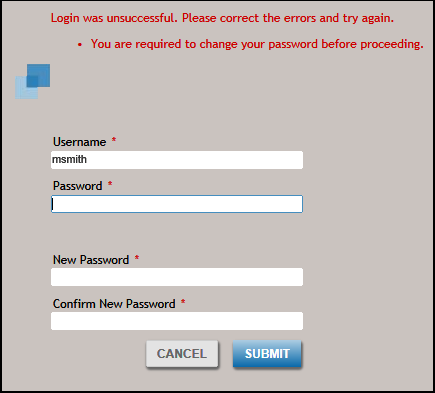
- You will be asked to change your password the first time you log in.
- You will be asked to change your password after your password has been reset.
- You can change your password if it is at least two days old.
To change your password the first time you log in or after your password has been reset, enter your old password, a new password, confirm the new password, and click the
SUBMIT button.
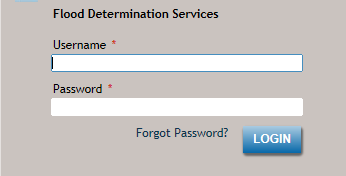
Select Forgot Password on the login page to use the self-service password reset process.
| Feature |
Description |
|---|
| PASSWORD |
- Passwords are case sensitive.
- Passwords must have at least eight characters and include three of the four following criteria:
- A number (numeric)
- A capital letter (Uppercase)
- A lower case letter
- A special character (! " # $ % ' ( ) * + , - . /: ; < = > ? @ [ \ ] _ ` { | } ~
- If the password you create does not meet these criteria, you are asked to enter a new one.
- Passwords must be changed every 90 days.
- Each user account must have eight individually unique passwords before a previously used password is allowed.
- You will be locked out of the system after 5 failed login attempts. Contact your administrator to unlock and/or rest your password.
|
