This section explains how to undeploy a library.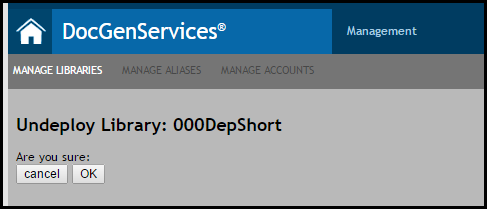
- A list of associated accounts and aliases will appear with the library. Click OK under Are you sure: to undeploy the library; click Cancel to return to the Manage Libraries page.
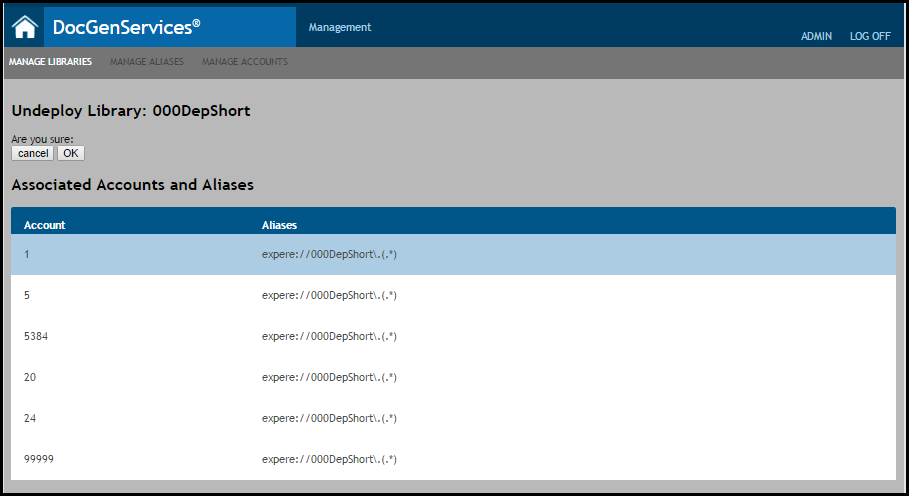
Note: The library and all associated accounts and aliases are now removed from the system and appear as Removed in the active list on the Manage Libraries page.
