Installation Instructions
To install geocoding data:
-
1. Using the 2018-Q1 Geocoding Data Install, run the Setup.exe.
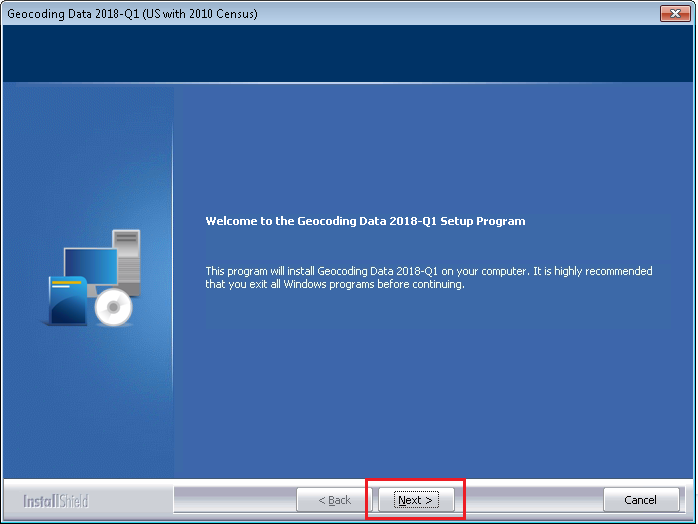
The installer displays the Welcome screen:
-
In the Choose Destination Location screen, do one of the
following:
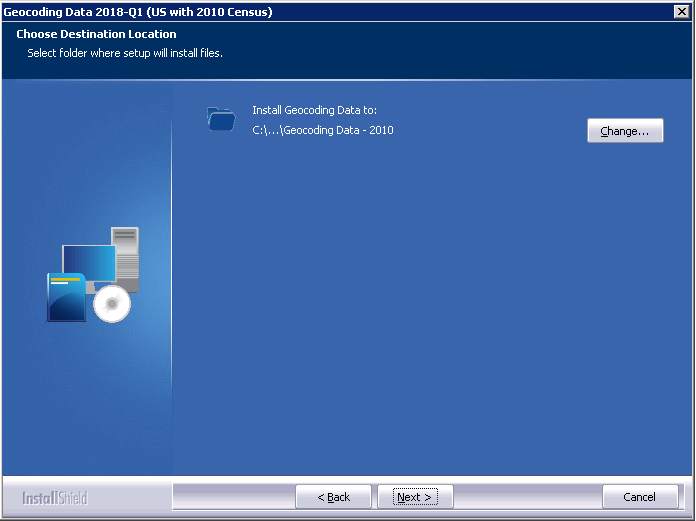
- If you want to accept the default installation location:
C:\Program Files (x86)\Wolters Kluwer Financial Services\Geocoding Data – 2010 …click the Next button.
The installer displays the Ready to the Install Program screen.
- If you want to select a location to install the data, follow these
steps:
- Click the Change… button:
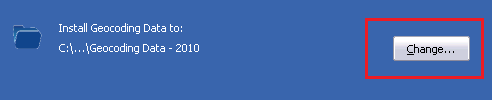 The installer displays the Choose Folder dialog box: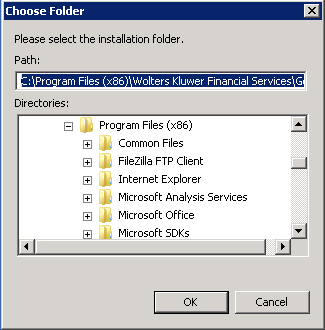
- Use the dialog box controls to select an installation
location:
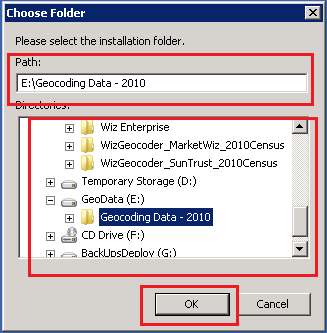
- Click the OK button.
The installer closes the Choose Folder dialog box.
- In the Choose Destination Location screen, click the Next
button.
The installer displays the Ready to Install the Program screen.
- Click the Change… button:
- If you want to accept the default installation location:
-
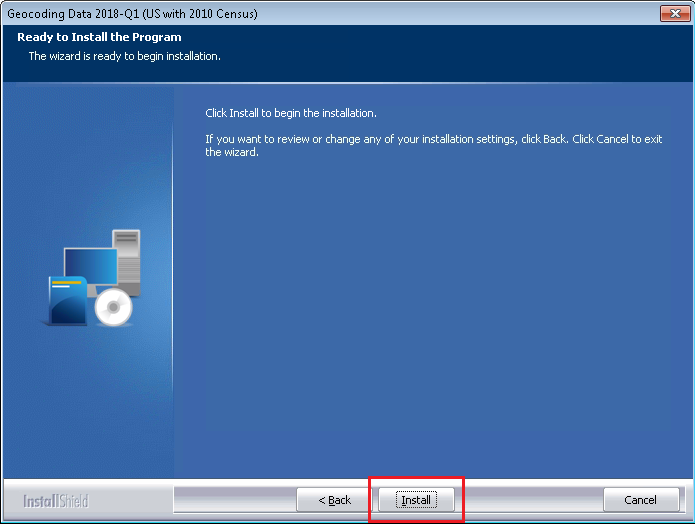
In the Ready to Install the Program screen, click the Install button to
start the installation:
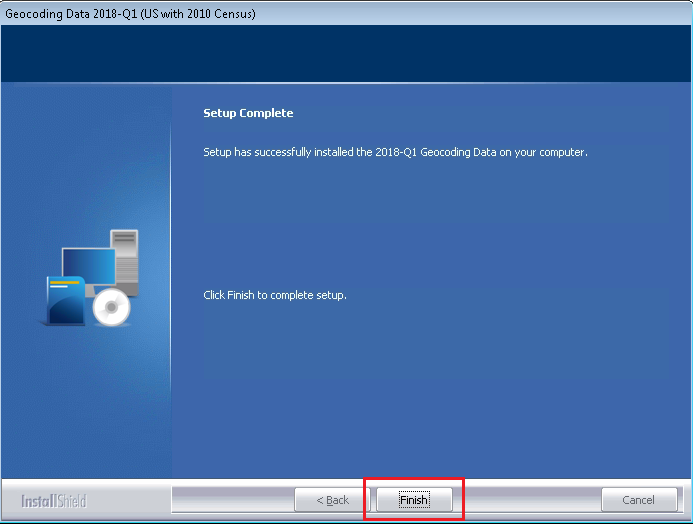
The installer displays the Setup Status screen: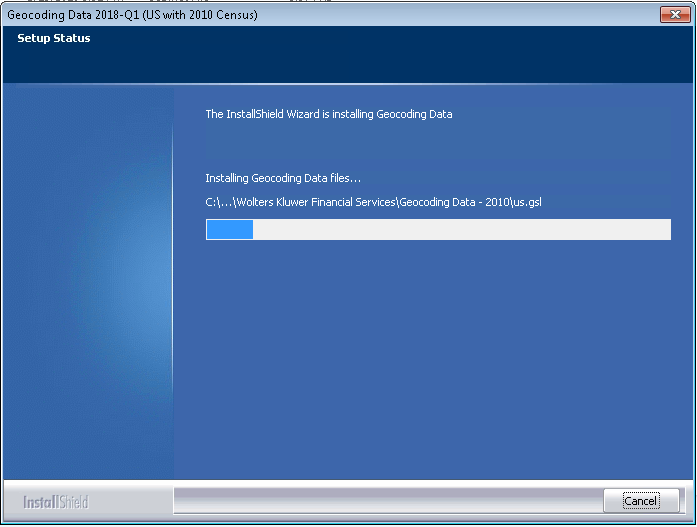 When installation is complete, the installer displays the Finish screen: