Applying a Template to an Online Application Inquiry
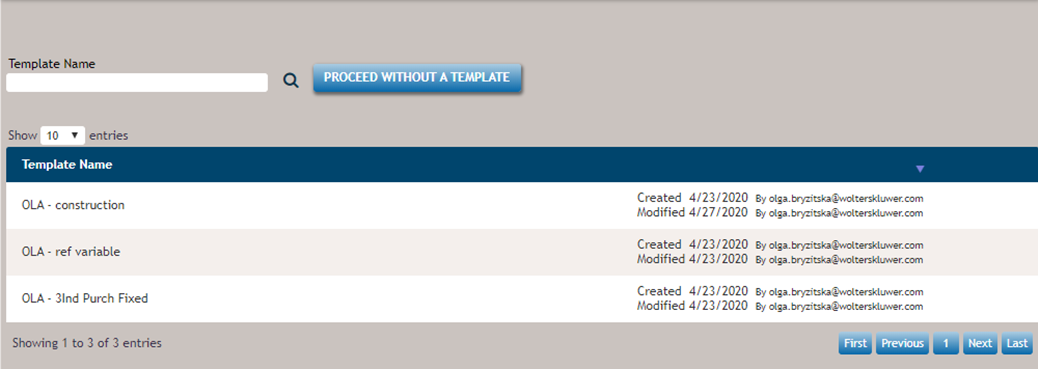
After opening an inquiry from the home page or the OLA Inquiries view, the template page displays.
- If applicable, select a template or select Proceed without a
template.Note: After you apply a template to an inquiry, the template cannot be changed.
- Continue to complete the next step: updating/creating a party record.
Note: If the template list does not include a template that applies to the inquiry, a user can
create a new template by selecting Template Maintenance in the Manage menu
if they have appropriate permissions. After creating a template, the
template list must be refreshed to display the newly created
template.
Note:
The data that defaults in the template will be added to the inquiry.