To view an attachment:
-
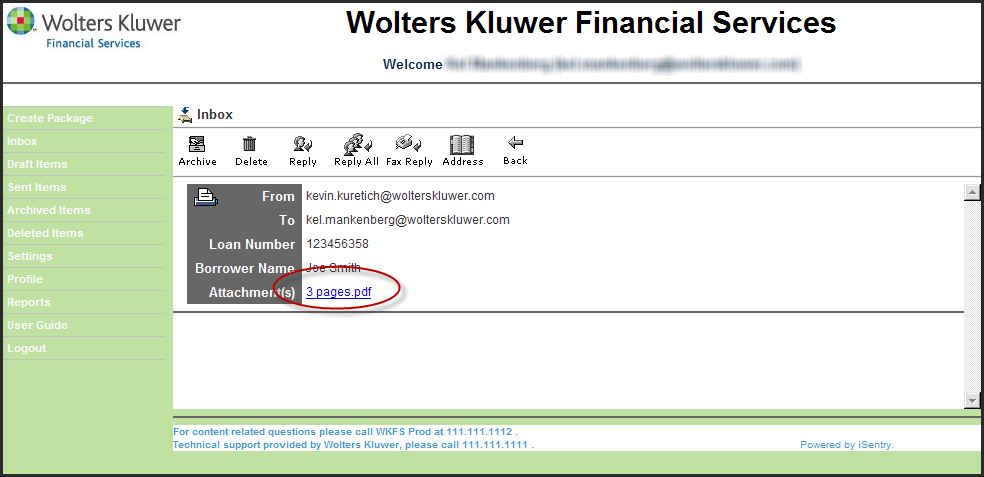
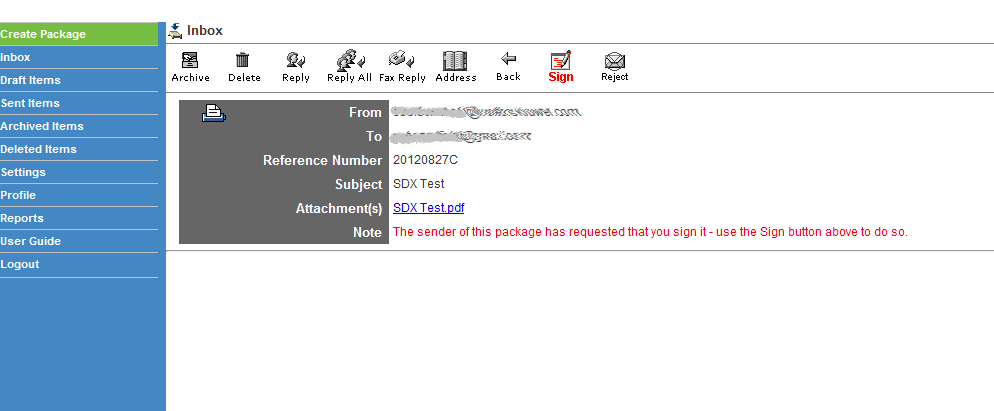
Open the desired package as described in Inbox.
-
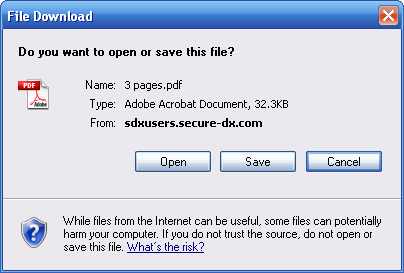
Click the link for the attached file (see above image). A File download dialog
is displayed.
| Secure Document Exchange / Reading Messages | |
 | Wolters Kluwer Financial Services |