To read incoming messages:
-
Click Inbox on the navigation menu. The Inbox screen is displayed.
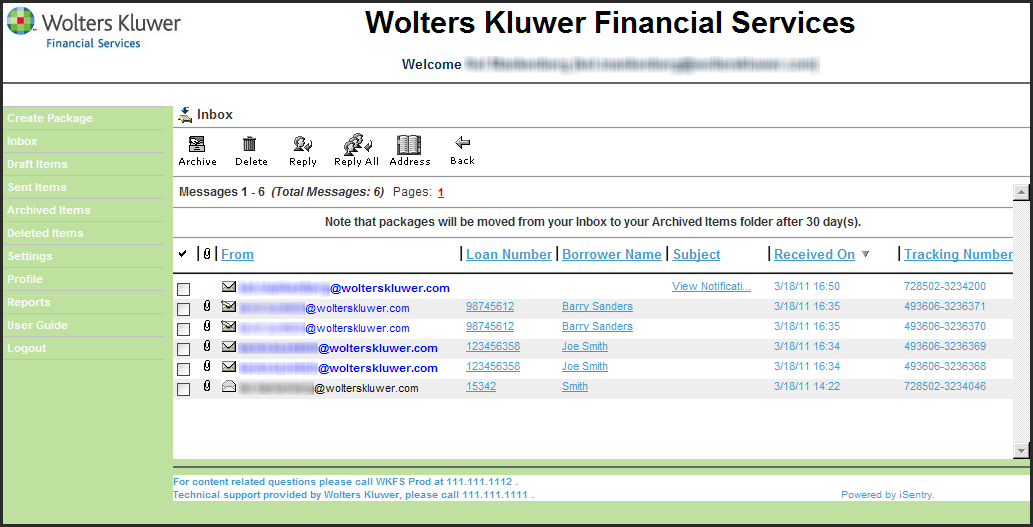
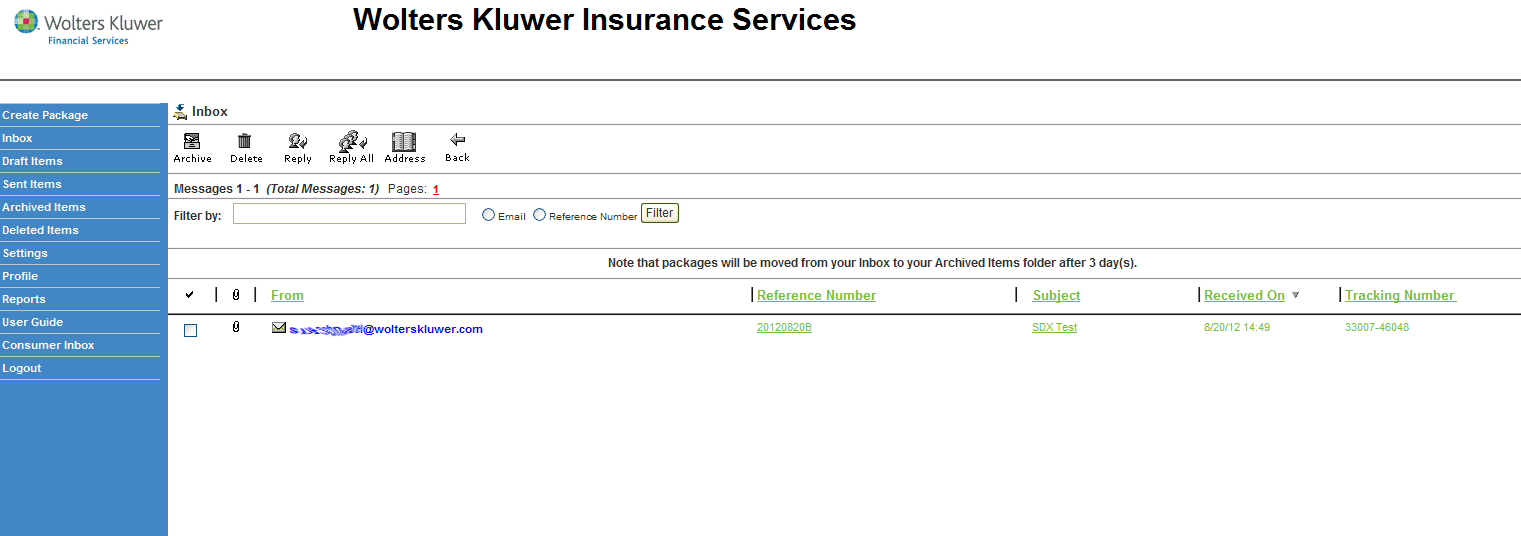
Note: A closed
envelope icon indicates an unread message.
A closed
envelope icon indicates an unread message. An open
envelope icon indicates a read message.
An open
envelope icon indicates a read message. A closed
envelope icon with a pencil indicates an unread message that must be
signed.
A closed
envelope icon with a pencil indicates an unread message that must be
signed. A open
envelope icon with a pencil indicates a read message that must be
signed.
A open
envelope icon with a pencil indicates a read message that must be
signed.