OPPSA User Access and Navigation
User Access
After login, what you see on the OPPSA menu (along the left side of the page) depends on the permissions given to your user by the OPPSA System Administrator. You will not see the options for Users, Import, or Export unless you are a System Administrator. In addition, you will only see the Barcodes option, for example, if your user has been given access to barcodes.
Requesting Access
If you have questions or need access to an OPPSA function, contact your System Administrator.
Navigation Tips
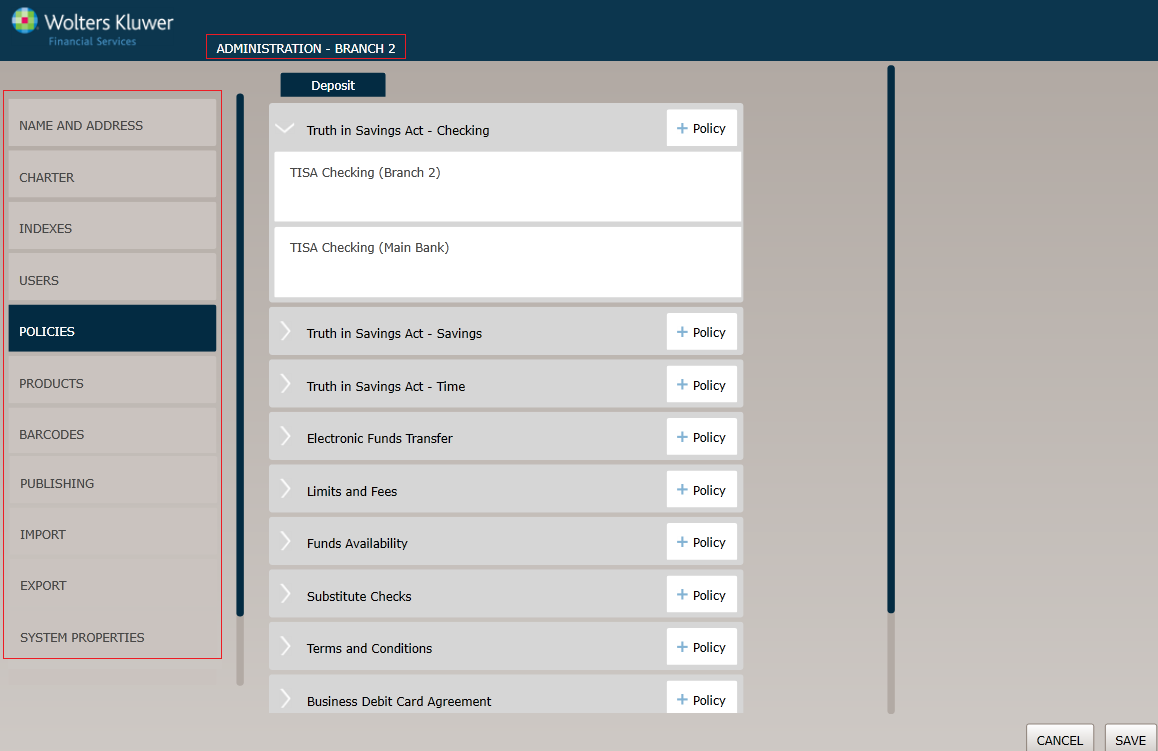
Expanders: Expanders are used to hide or show more information under a specific page area.
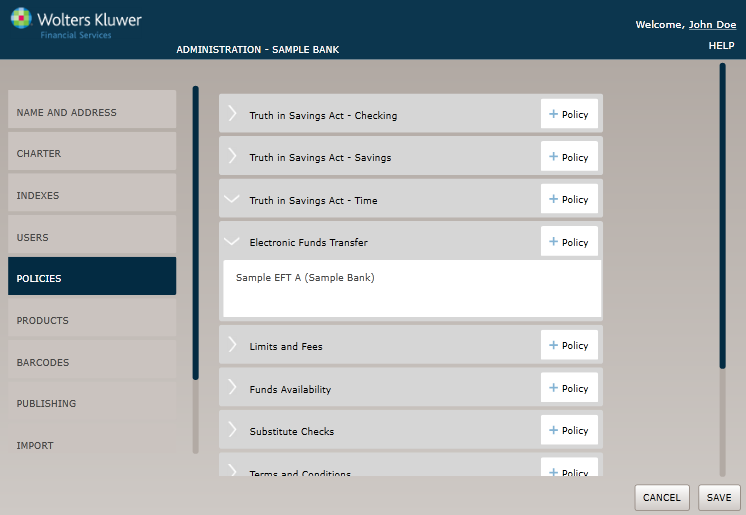
- A right-facing arrow button (
 ) indicates that it can be expanded to show more information.
 - A down-facing arrow (
 ) indicates that it can be collapsed to hide information.
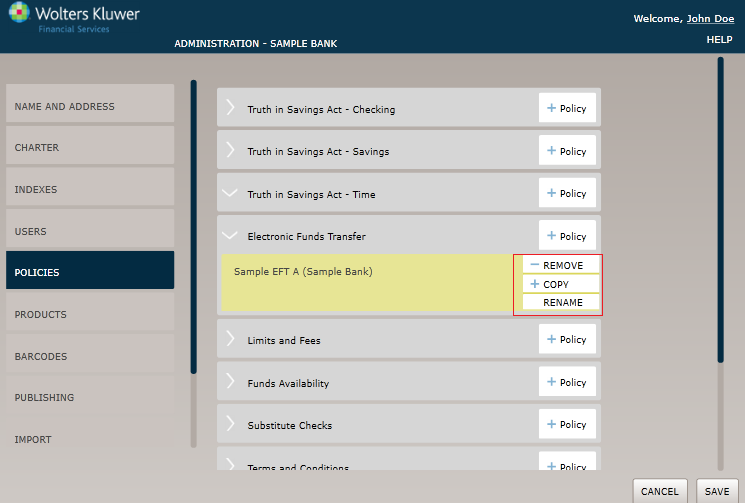
Menus: Hovering over a list item highlights the item and displays sub-menu actions when available. Click the item to display more detail.
Common page Features
Throughout the various Wolters Kluwer Financial Services applications, the pages are designed to provide a familiar and consistent interface, and include certain common features.