Opening Online Application (OLA) Inquiries from ComplianceOne
Opening an Online Application Inquiry
Open inquiries by selecting an inquiry from the home page or the OLA Inquiries page (accessed from the OLA Inquiry button). The list of inquires can be narrowed by using the QLA Inquiry Queue button and applying Loan Phase and Source filters. After narrowing the list, select an inquiry to open it and display the Template page.
- OLA Inquiry Queue
- Loan Phase filter
- Source filter
OLA Inquiry Queue
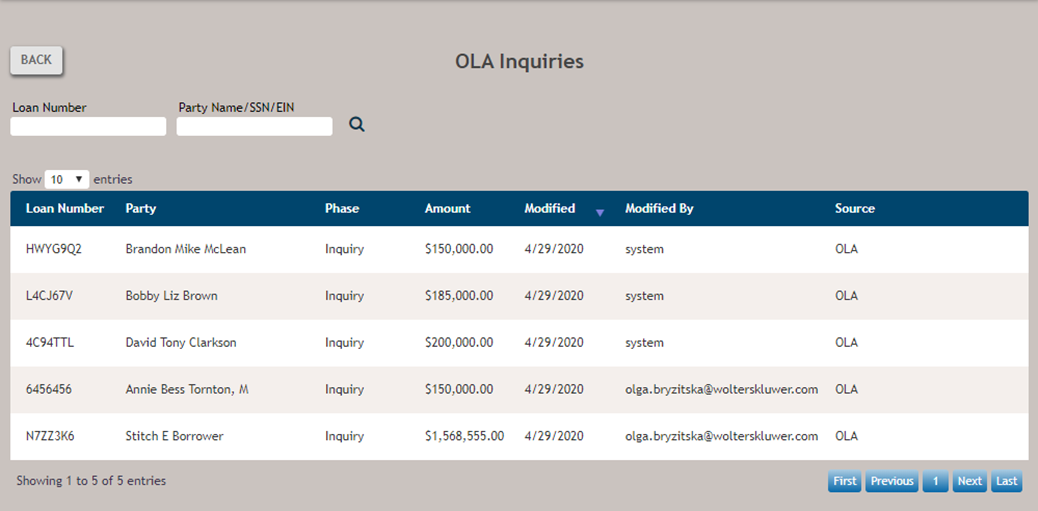
Select OLA Inquiry Queue to display a list of newly imported inquiries.
Filter the this list by using the Loan Number and Party Name/SSN/EIN filters. Select Back to return to the ComplianceOne home page or select an inquiry on this page to open it and move to the Template page.
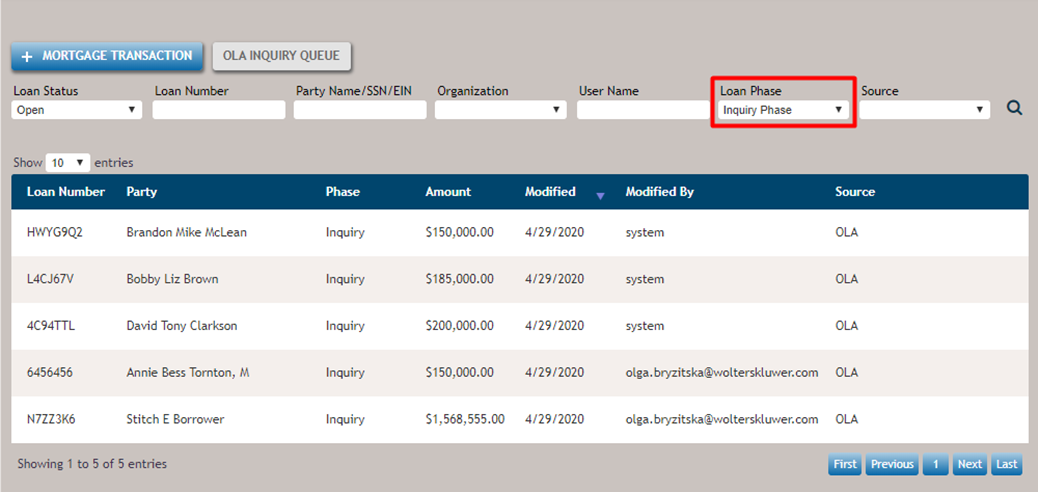
Loan Phase Filter
Select Inquiry Phase in the Loan Phase list to display all inquiries in the Inquiry phase.
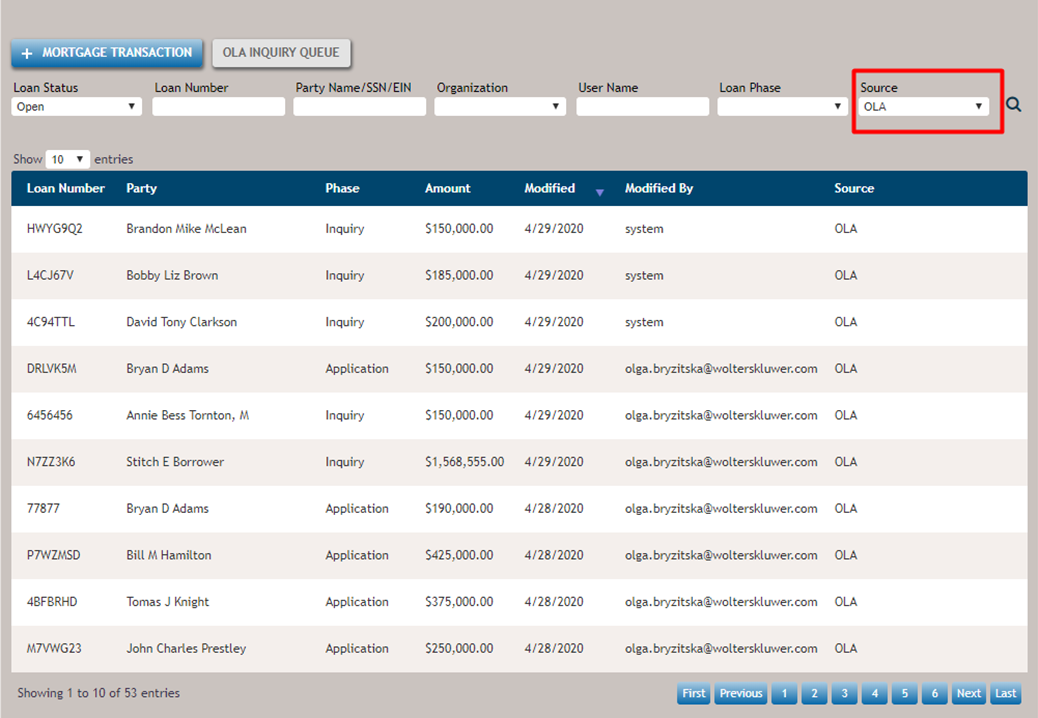
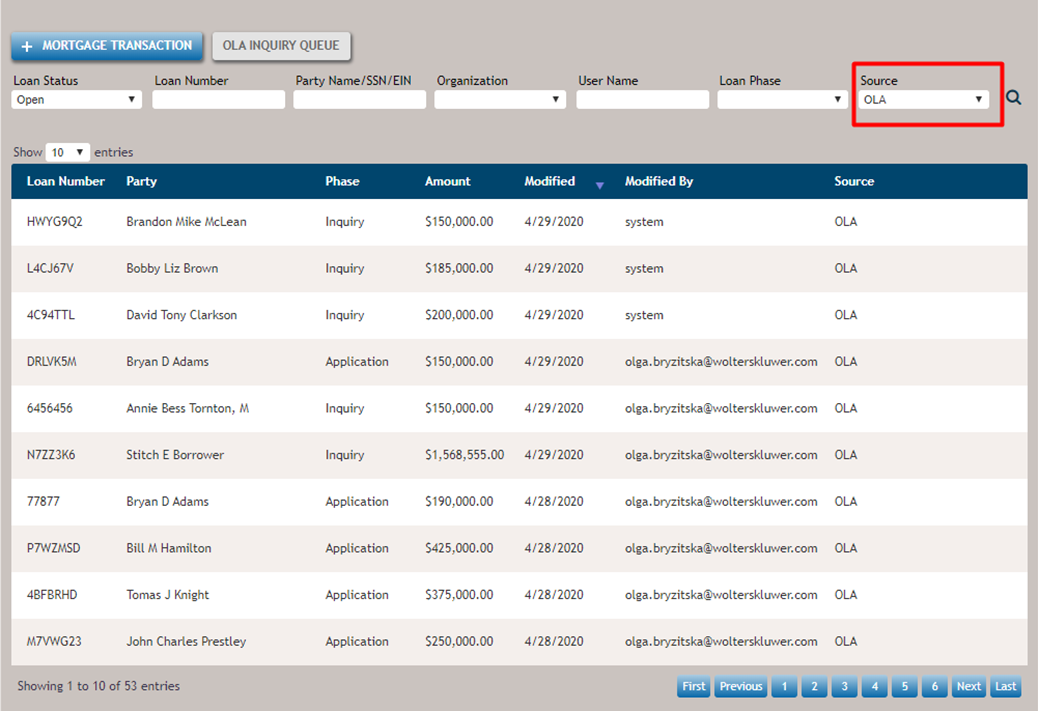
Source Filter
Select OLA in the Source list to display all entries originated from Online Applications.