ULDD File Creation
After collecting applicable data, select Submit. The system processes the data in each page. If there are missed data items, the system will highlight the required field for you to enter a response. After entering data for missed items, select Submit again. Continue this process until the file is successfully created as displayed below.
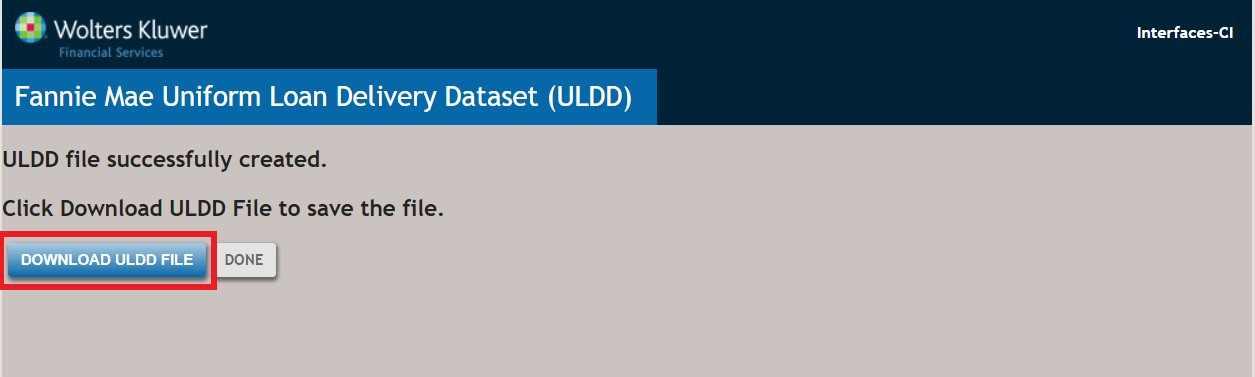
This view demonstrates successful collection and transformation of the data as well as the creation of the required XML file. Select Download ULDD File. The XML file will be saved in your designated folder that is typically your Downloads folder. The name of the file will be structured as follows: ULDD_Loan Number_FNM_Date_Time. The Loan Number is the number that was entered on the Loan Definition page of ComplianceOne.
After a successful download of the loan ULDD file, you can proceed to access the Fannie Mae Loan Delivery application to import the loan data file. Resources for use of the Fannie Mae Loan Delivery application are available at this Fannie Mae website: https://www.fanniemae.com/singlefamily/loan-delivery.