How to Convert Mapped Paths to DITA
This task can only be successfully performed using Mapped
Paths report received from STS.
-
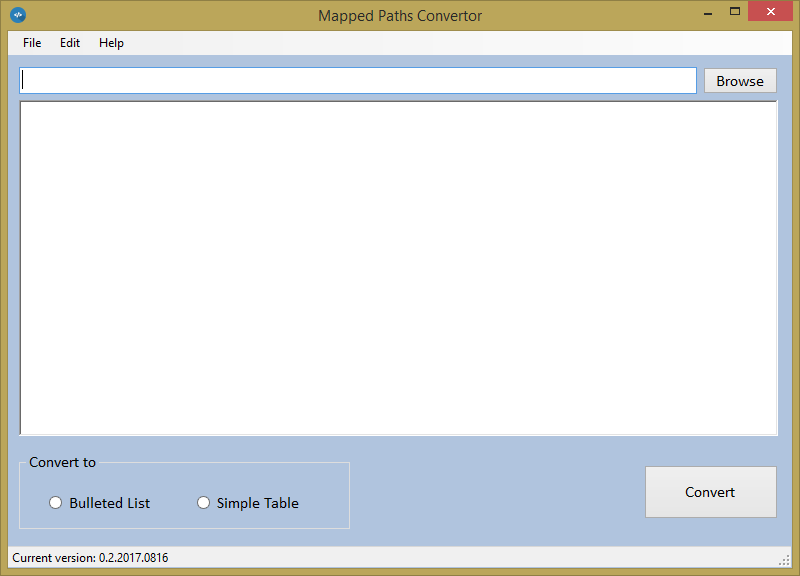
Open STS Mapped Paths Convertor.
-
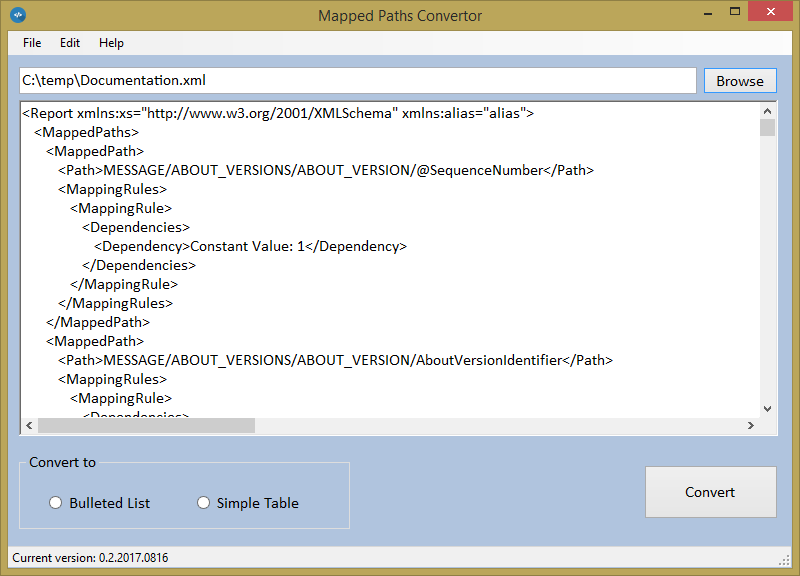
Click the Browse button and select the Mapped Paths XML file.
Optionally, you can drag the file from Windows Explorer to the text area.The text from the XML file is displayed in the text area.
-
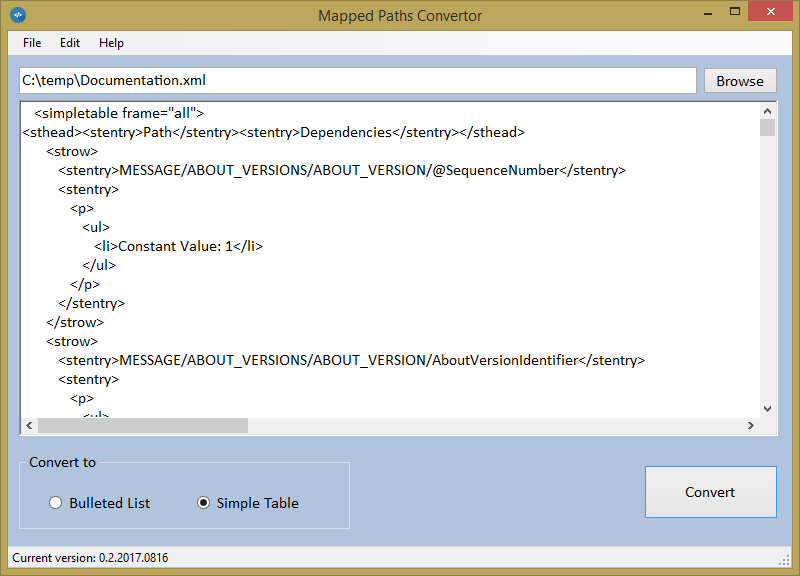
Select a DITA element type from the Convert to group and click
Convert.
The text is converted to usable DITA content.
Note: When pasting into oXygen you must have the editor in Text
mode.