Using the SETUP Page
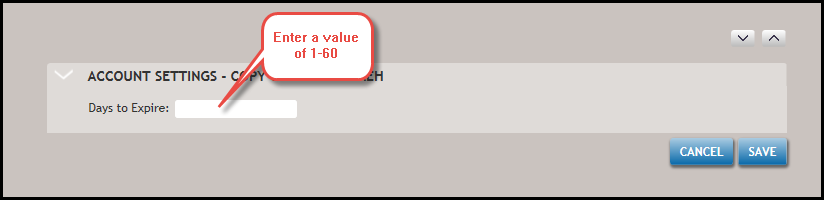
The SETUP page is used to configure expiration settings in licensed Accounts. For each account, users could modify the Days to Expire field, which allows users to identify the number of days to retain mailed documents; this setting should only be used when the default (7 days) does not fit customer needs.
Select SETUP at the top of the page.
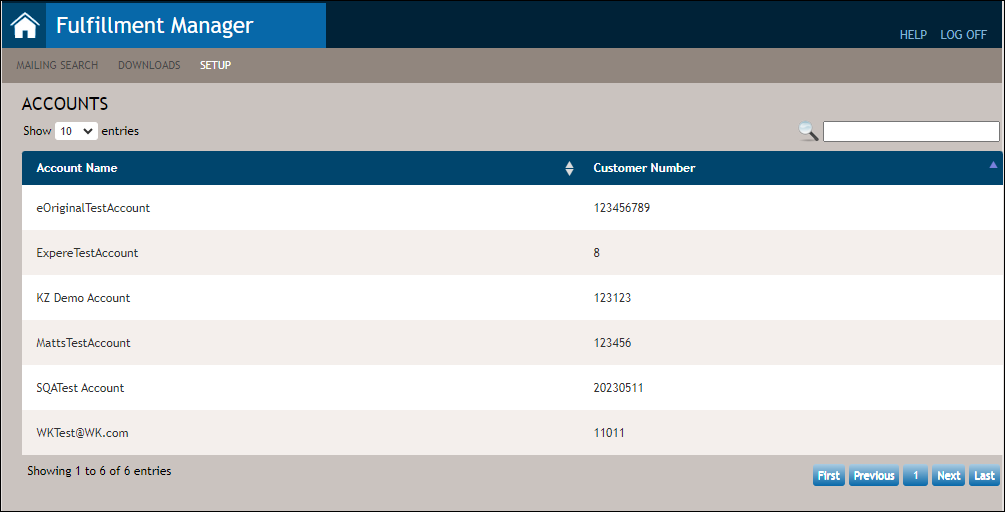
- Click the desired account to advance to the Account Settings - <Account Name> page.
- Enter a desired value in the Days to Expire field. Click Save; click Cancel to return to the SETUP page without applying the change.