Installing Expere Administration Tool
-
Obtain and double-click the appropriate Expere Server Tools
Installer file. Ex.: ExpereServerTools.msi
The Expere Server Tools Setup screen is displayed.
-
Select the valid license agreement option and the select
Install.
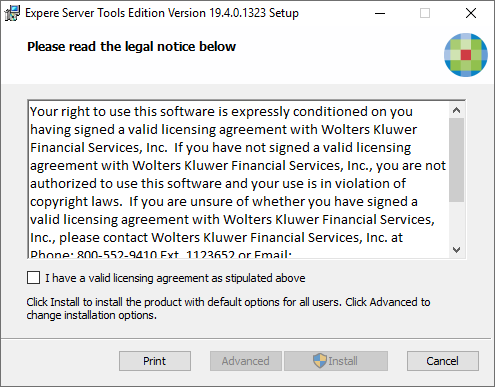
Note: Selecting Advanced allows you to set the application availability scope.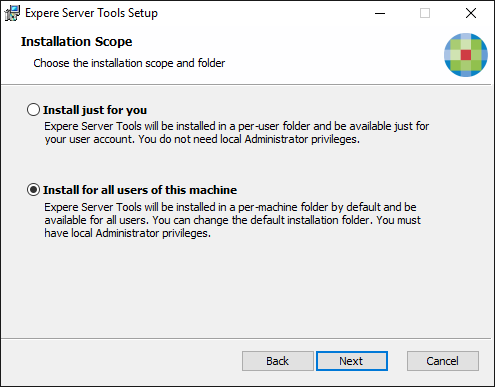
During installation, a progress indicator provides the installation status.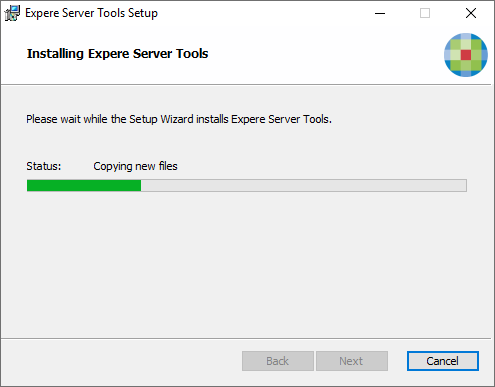
-
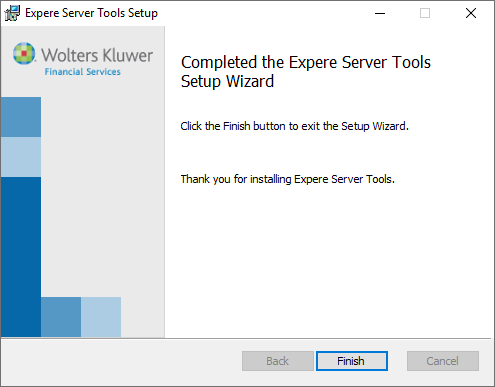
When installation is complete, select Finish to close the installation
application.