Using Autoselection
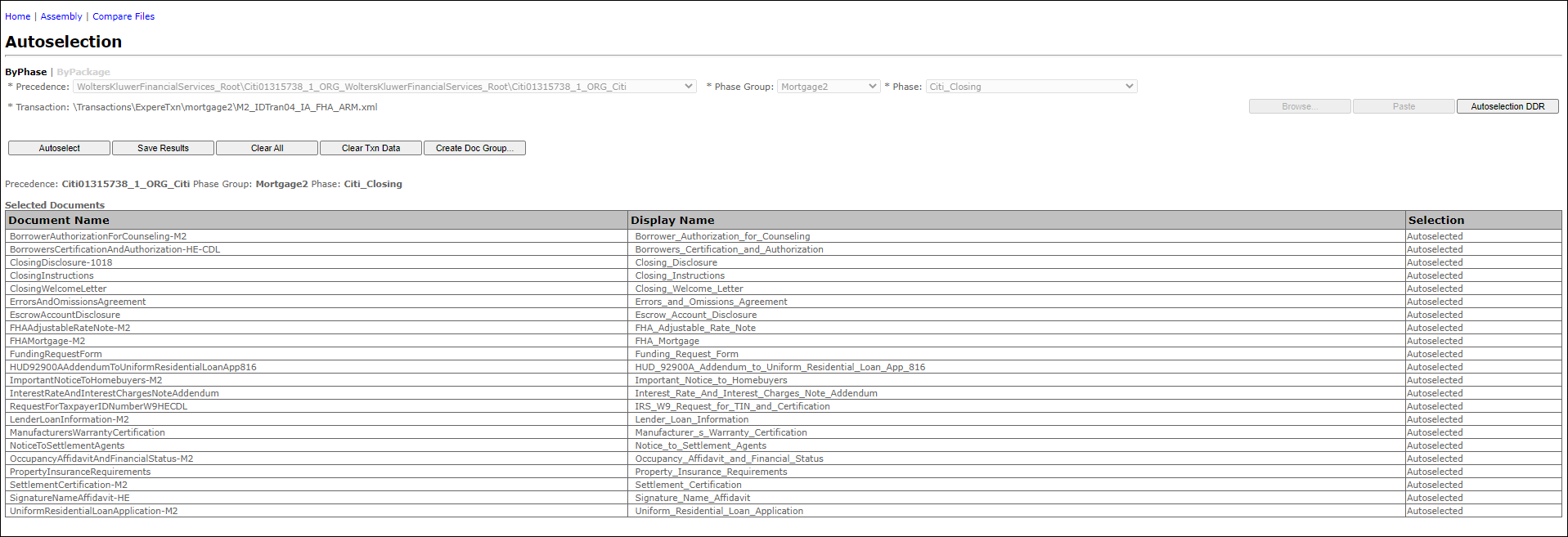
- Select the Precedence level for executing Autoselection against the data from the Precedence list.
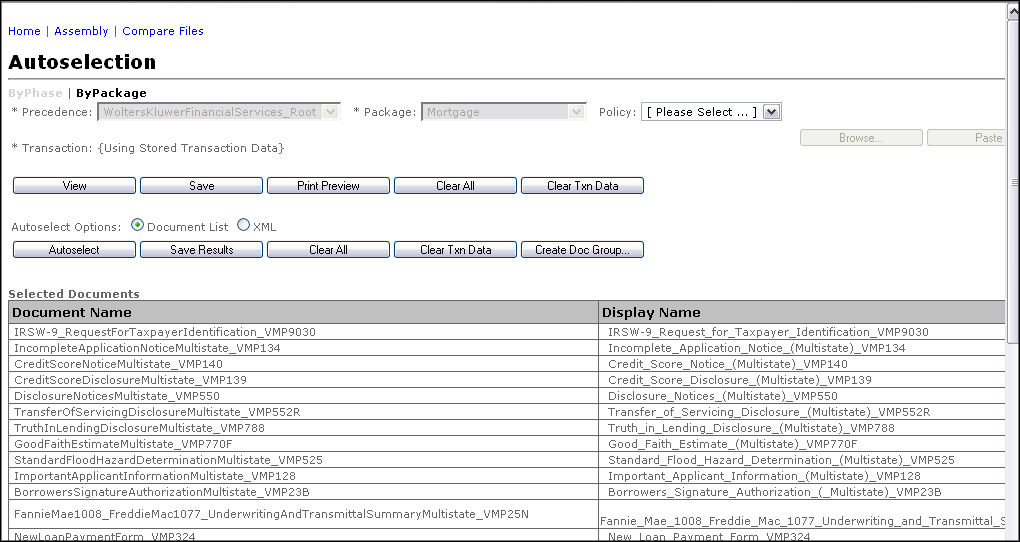
- Click either the ByPhase or ByPackage links at the top of the screen to perform autoselection using the following:
- A specific document grouping or subset (phase group/phase)
- An entire list of documents (package)
- If the user selected the ByPhase link, select the following:
- Phase Group: this dropdown features the line of business
- Phase: this dropdown consists of the phase within the line of business
Note: The Phase field is populated with the list of phases available for the selected precedence. The ByPhase option is the default view when initially navigating to this screen. - If the user selected the ByPackage link, select a Package from the dropdown list:Note: The Package field is populated with the list of packages available for the selected precedence.
- From the Transaction box, select from the following:
- Click the Browse button to access the Browser. Select an item/line of business to open its available documents. Click OK.Note: For information on using Browser, see Expere Testing System Browser.
- Click the Paste button to display a text box for pasting in existing transaction data. The following screen appears.
- Click the Browse button to access the Browser. Select an item/line of business to open its available documents. Click OK.
- Click the Autoselection DDR button; click one of the following:
- VMPMISMO DDR
- ExpereTxn DDR
- On the Autoselection page, enter the data into the transaction fields.
- Click the Store Session Data button.
-
From the Autoselect Options, select the desired document
format:
- Document List (default)
- XML: The XML format displays the actual code within the browser.
- Click the Autoselect button. The screen updates the results.
- Click one of the following to save the results:
- Save Baseline
- Save Target
The Expere Browser allows users to save the results within the server folder structure.