Duplicate an Instance
The best practice to create an instance based on an existing instance is to duplicate the specific element or node that requires the new instance. The Duplicate feature ( or or Ctrl+D) allows you to create a copy, or clone, of a selected node and place it as a sibling within the Outline Editor. The object contents, actions, triggers and properties are all copied to the duplicate as well as any child elements or attributes. This is an optimal function when creating an instance.
Using this feature, all of the values (Name, Output Name, Profile values and Substitution values) for the instance you have selected are copied and a new instance with the same name appended with "(2)" is created using the original (copied) values. You can then rename the new instance and modify the values as needed.
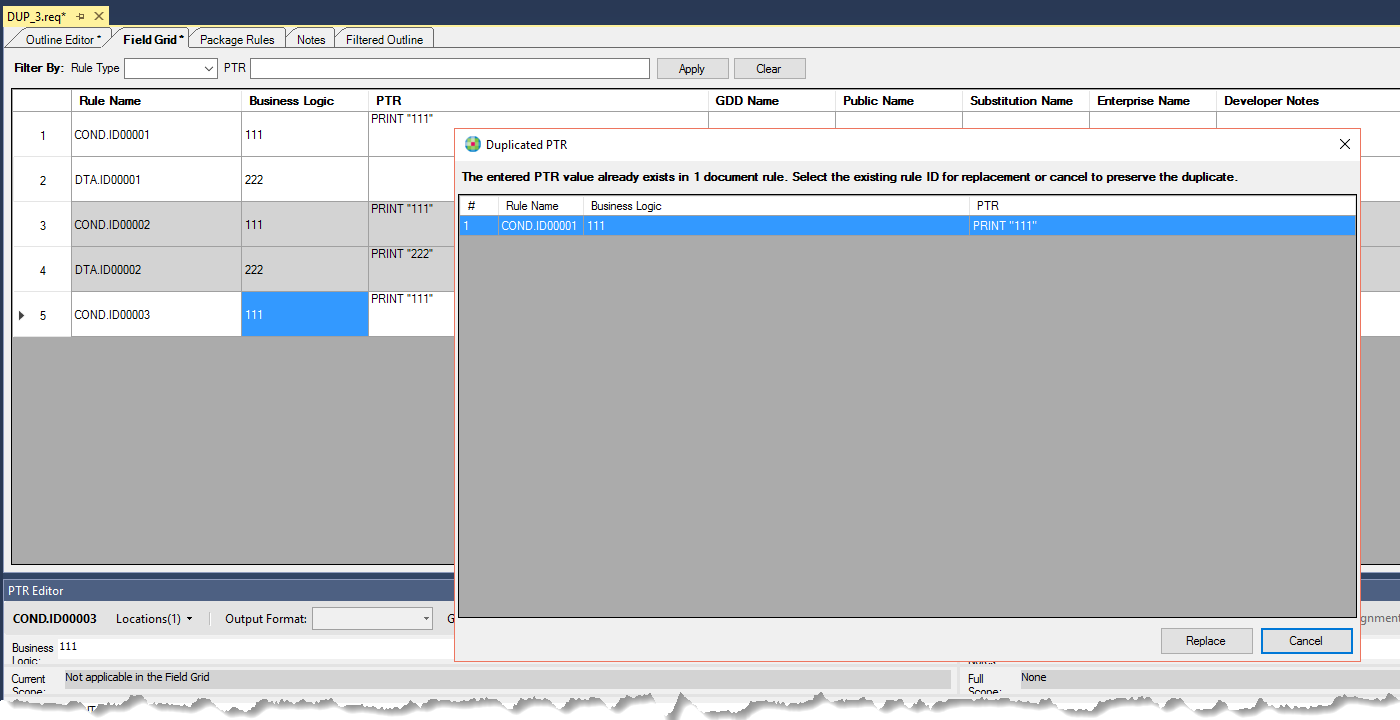
When you now create a new rule with a PTR that already exists in a document and it is not within a Content Reference, a dialog appears suggesting you use the existing rule.