-
Using your browser, navigate to the
log on
page.
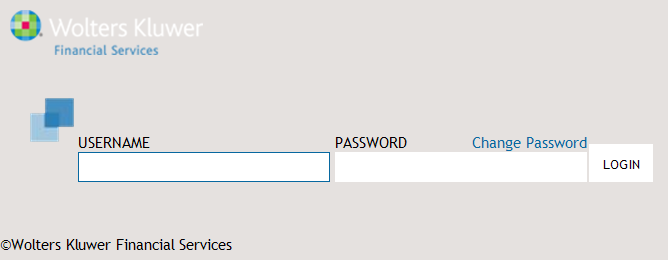
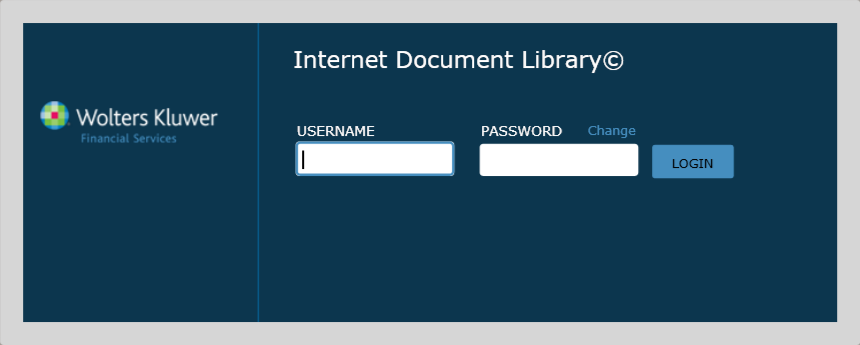
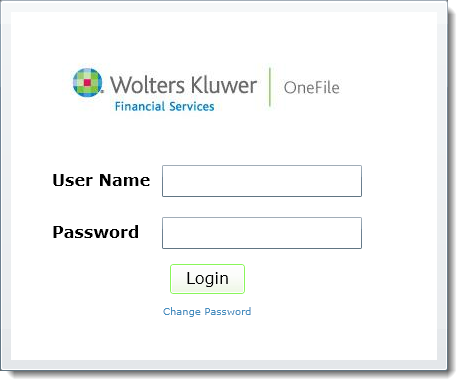
The Log On page is displayed.
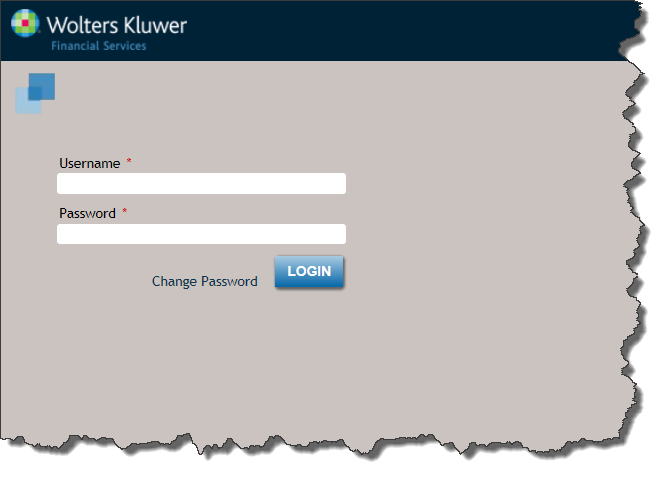
-
Click LOGIN.
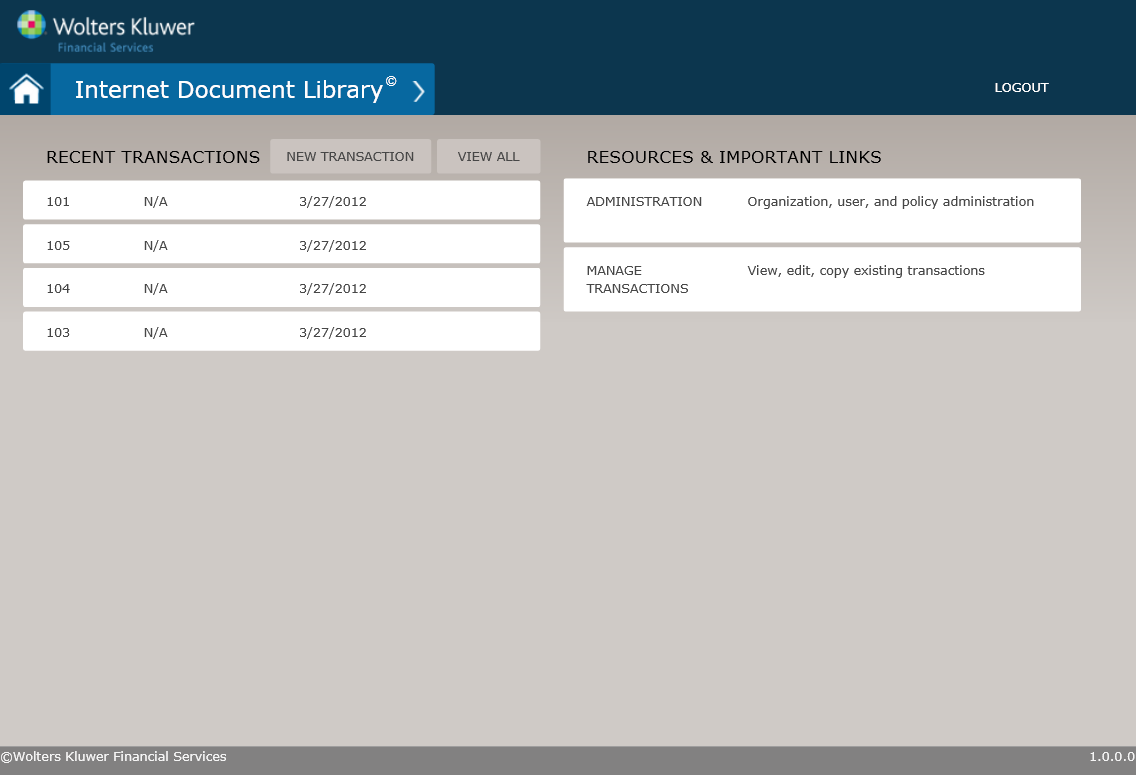
The Home screen is displayed.
The TSoftPlus dashboard is displayed.
The My Work Queue page is displayed.
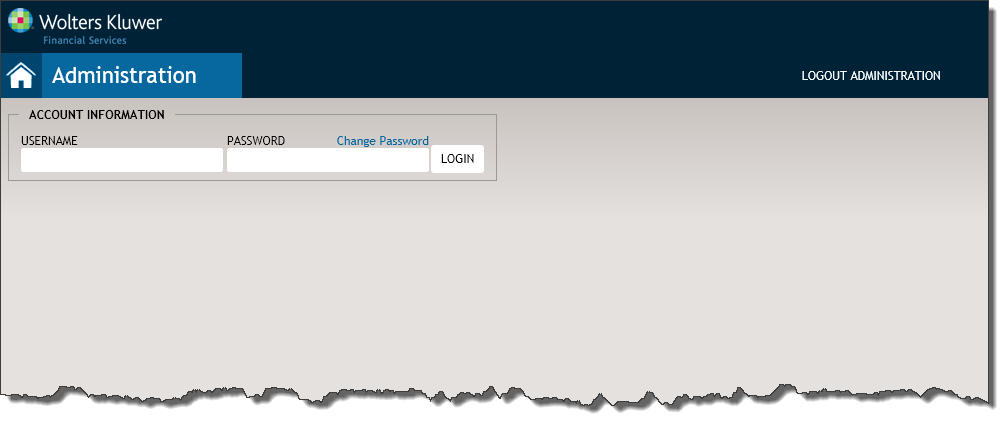
The Wolters Kluwer Financial Services Administration Home page is displayed.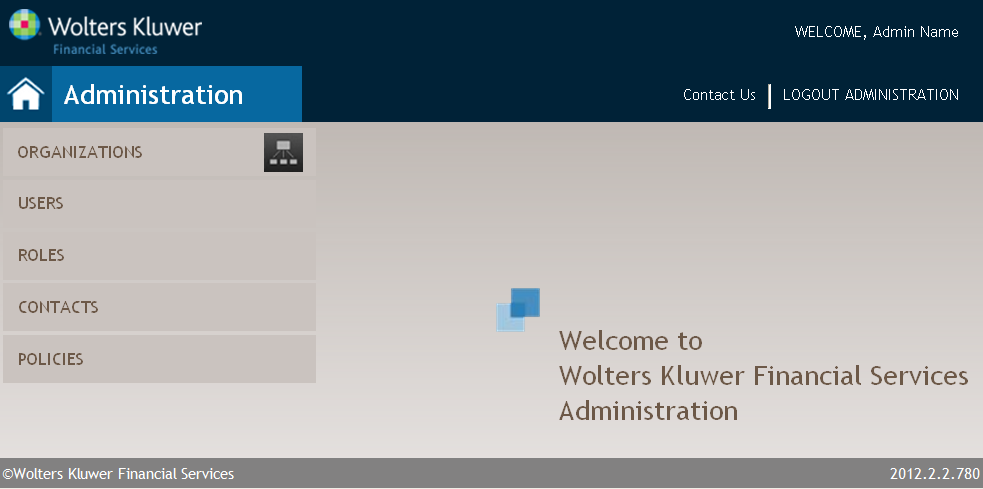 Note: The first time you log on to the system, you are required to change your password. The system prompts you for this action. For procedural information, refer to Changing Your Password.Note: The first time you log on to the system, you are required to change your password. The system prompts you for this action. For procedural information, refer to Changing Your Password.For hosted environments, your session will time-out after 30 minutes of inactivity. Once the session has ended, you will receive a message and be returned to the login screen. The system performs a save operation before a session timeout. Information entered on the workflow pages for a transaction is saved automatically. The system does not automatically save changes to party records.
Feature Description USERNAME User names are not case sensitive. PASSWORD - Passwords are case sensitive.
- Passwords expire every 90 days. Users will be prompted to change their password after expiration.
Unsuccessful login You will be locked out of the system after 5 failed login attempts. Contact your administrator to unlock your system and/or reset your password. The Home screen is displayed.
 Remember: After thirty minutes of inactivity, your session is automatically ended and you will need to log back on.