The Home Page (below) provides access to all major sections of Wolters Kluwer Financial
Services Administration.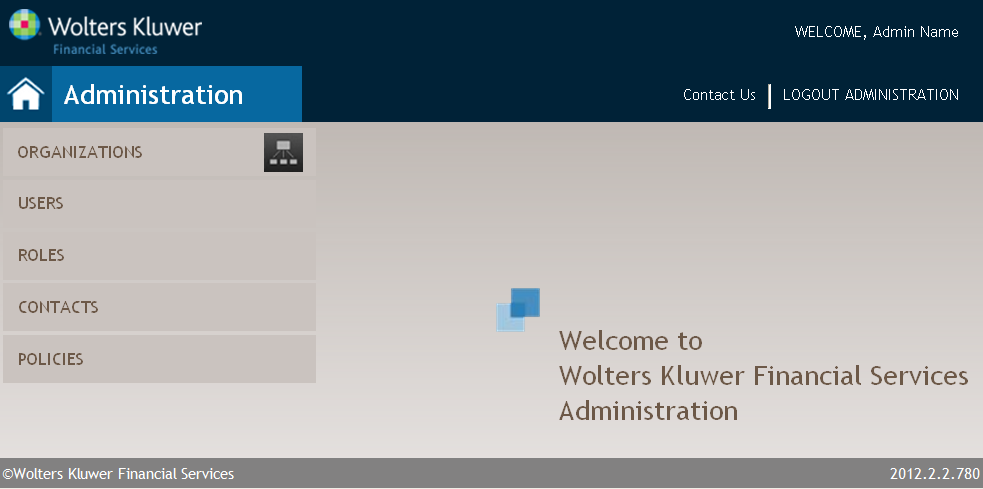
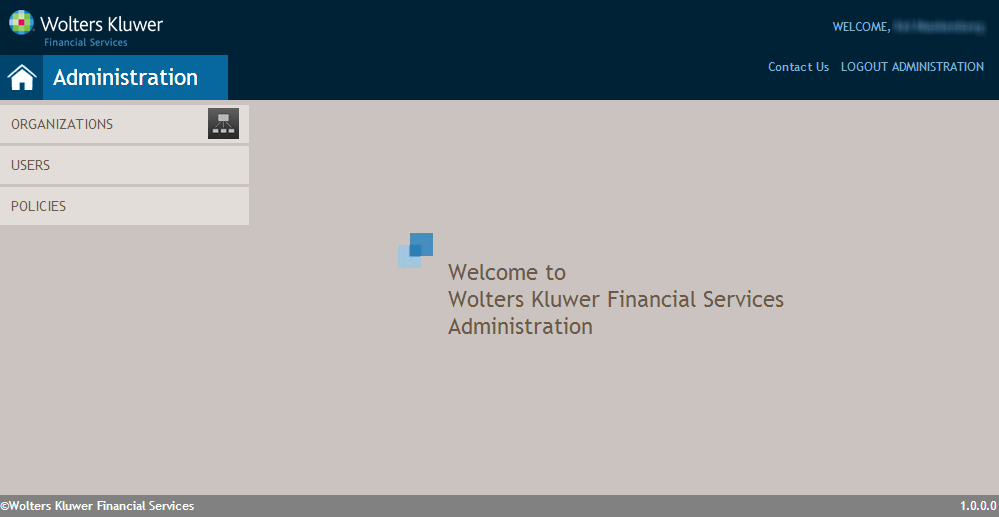
This page provides access to:
- Organizations
- Users
- Roles
- Contacts (only available to Wolters Kluwer Financial Services administrators)
- Policies (only available to Wolters Kluwer Financial Services administrators)
Note: Not all sections listed above are accessible to all products.
The Organization Hierarchy button ( ) provides quick access to the
Organization Hierarchy screen.
) provides quick access to the
Organization Hierarchy screen.
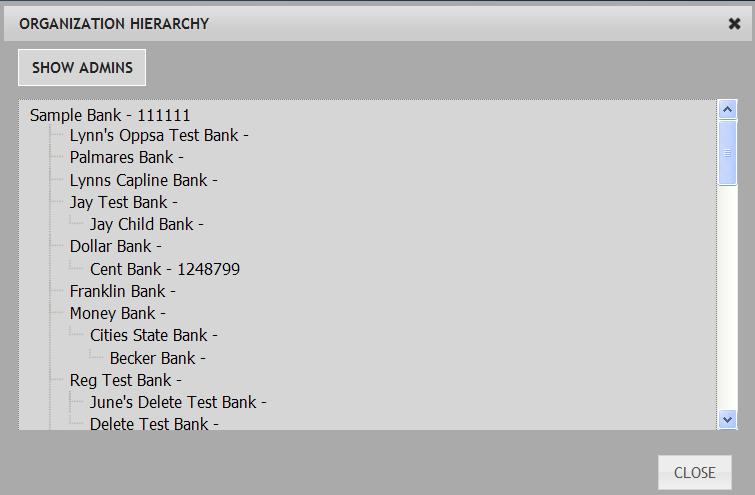
This screen provides a visual tree-view representation of the user's associated organization, including any child organizations. The SHOW ADMINS button will list the users with administrative privileges for each organization. After clicking it reads HIDE ADMINS to return to just a hierarchy list.
) provides quick access to the
Organization Hierarchy screen.This screen provides a visual tree-view representation of the user's associated organization, including any child organizations. The SHOW ADMINS button will list the users with administrative privileges for each organization. After clicking it reads HIDE ADMINS to return to just a hierarchy list.
Note: This feature is only available
to Financial Institution administrators and will not appear for other
users.
The Contact Us link opens a new browser window displaying the Wolters Kluwer Financial Services contact information.