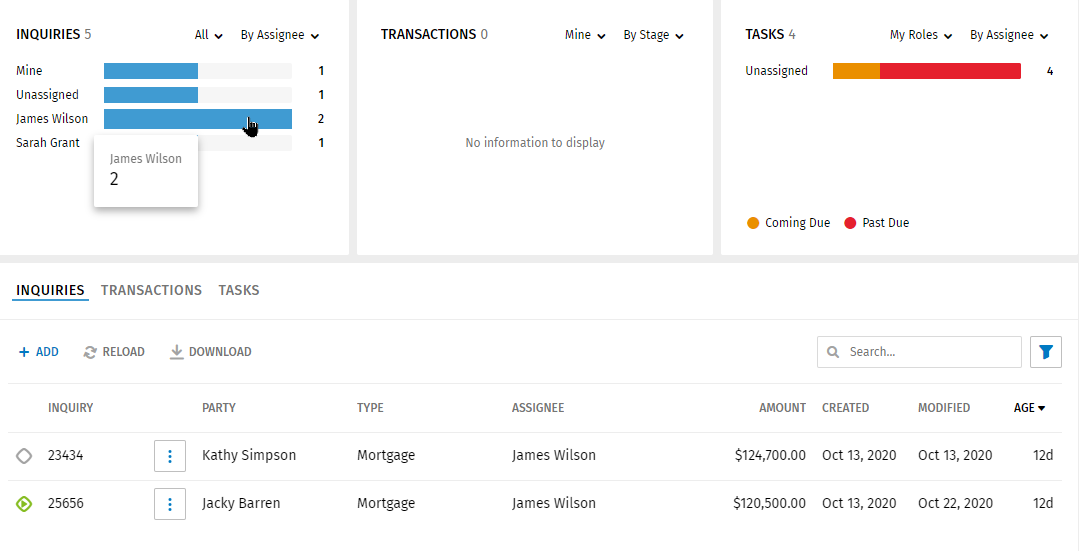
Transactions Graph
The Transactions graph displays information about transactions including counts for the user signed on, all transactions, closing date, stage, type, SLA, process, and Loan Officer. The default view for the transactions graph displays all transactions by closing date.
Customizing the Graph
The graph can be customized by selecting options in the lists. A transactions graph will not display transactions for an option if the option does not have transactions matching the option. For example, if the graph will not show completed transactions if Stage is selected and the list of transactions does not include completed transactions.
- In the first list, select Mine, or All.
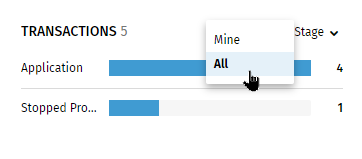
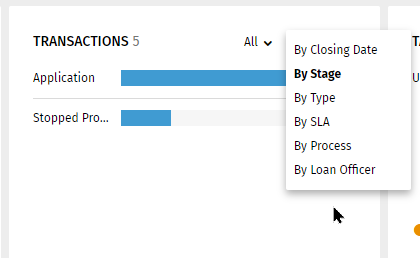
- In the second list, select By Closing Date, By Stage, By Type,
By SLA, By Process, or By Loan
Officer.
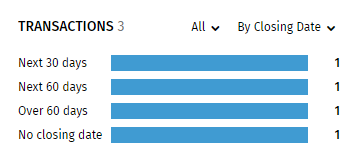
- Select By Closing Date to display counts
of transactions in time increments.
- Select By Stage to display counts of
transactions by Application, Processing, Completed
Processes, and No Processes stages.
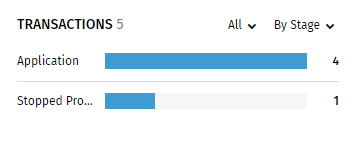
- Select By Type to display transactions by business type.
- Select By SLA to display counts of
transactions by On Time, Coming Due, and Past Due
SLAs. On-time indicates all tasks for an open
transaction are on time. Coming Due indicates at
least one task on a open transaction is critical.
Past Due indicates at least one task is late for
an open transaction.
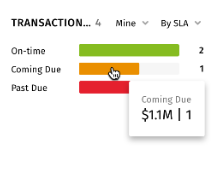
- Select By Process to display transactions
counts of Active, Completed, Stopped processes and
counts of transactions without a process.
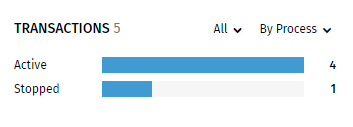
- Select By Loan Officer to display total
dollar amounts of transactions for individual loan
officers and for transactions that have not been
assigned to loan officers.
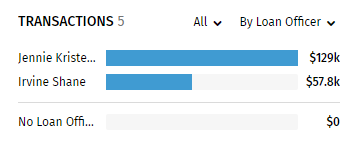
- Select By Closing Date to display counts
of transactions in time increments.
Viewing Details on the Graph
Pause your cursor over a color/section on the graph to view details.
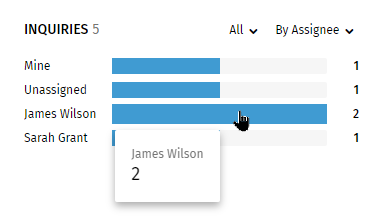
Select a color/section on the graph to displays inquiries for the section/color in the grid. Example: Selecting James Wilson in the graph above displays all the inquiries assigned to James Wilson.