Wiz Sentinel (ATR/HOEPA/HPML/QM)
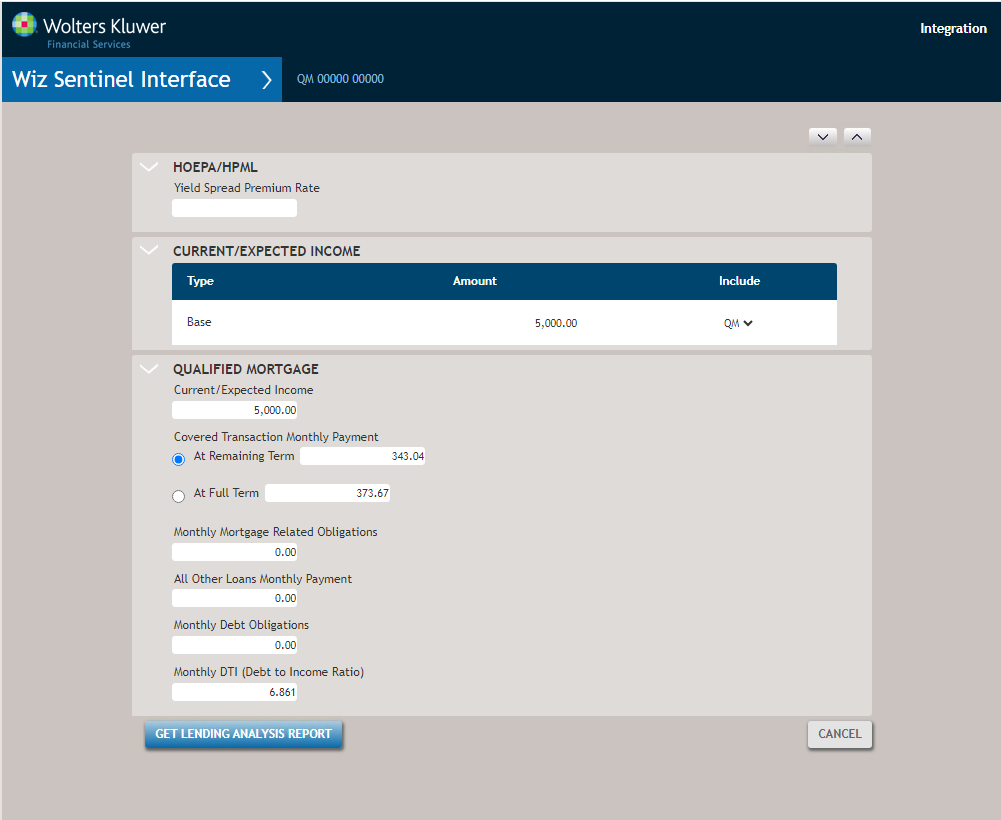
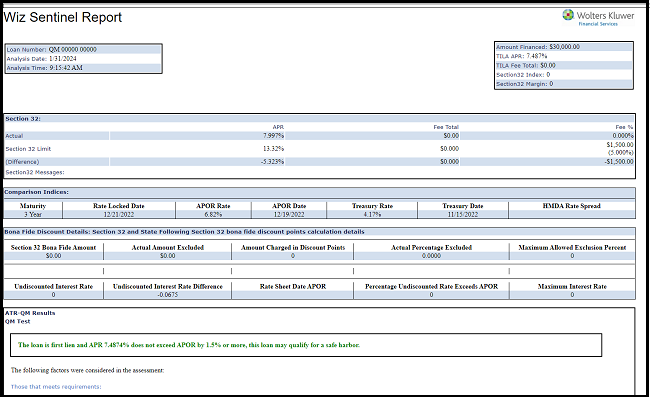
The Wiz Sentinel interface allows you to compare loan parameters with the loan program information, loan fees, and federal, state, and local compliance regulations. The results display whether the loan is acceptable, cautionary, or in violation of statutory limits. The differences in actual and expected results are clearly highlighted and instruction on how to correct the compliance errors prior to funding a loan are provided.
Wiz Sentinel, as a loan file compliance analysis tool, tests every loan for compliance issues throughout the loan life cycle. Analysis is based on current rules and regulations and is updated automatically as regulatory changes are implemented. Any annual changes, such as threshold adjustments, are incorporated in the analysis tools in real-time as they are introduced. This includes annual updates to thresholds.
- ATR Ability to Repay standard rules,
- QM Qualified Mortgage loan definition,
- HOEPA Home Ownership and Equity Protection Act (HOEPA) rules for high cost mortgages,
- HPML TILA Higher-Priced Mortgage Loan (HPML) appraisal rule.
How do I obtain an ATR, HOEPA, HPML, or QM report?
Reports are associated with a loan transaction. With a loan record selected, click ATR/HOEPA/HPML/QM in the interfaces menu. Next, select a service from the list of available options to open the Wiz Sentinel view.