Roles
Overview
Roles are created to group users together for easier management of tasks in process templates. Users can be grouped into roles such as analysts, appraisers, loan closers. Roles are used in process templates to define the users who will complete a task.
Roles are set up on the Roles page and assigned to users on the Users page.
Roles Grid
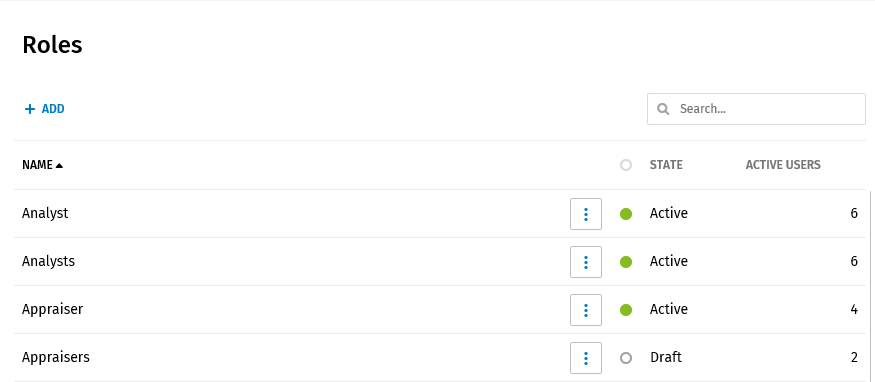
The Roles grid displays the following information:
- Name column: All available roles display in this column.
- State column
- An Active state indicates a role used in a process template that has been activated. If a process template is deactivated, the role remains in an active state.
- A Draft state indicates a role that has been only used in a process template that has a draft state.
- Active Users column: The number of users assigned to a role displays in this column.
Note:
- Search for a role by entering a role name or a few characters in a role name. The Roles grid will display and highlight all matches in the grid. Clear the search term to display all roles.
- Sort columns in ascending and descending alphabetical order by selecting the arrow next to the Name or State column. The Active Users column can be sorted in ascending and descending numerical order.