This section explains how to work with Disputed Orders. To access the Dispute functionality, perform the following:
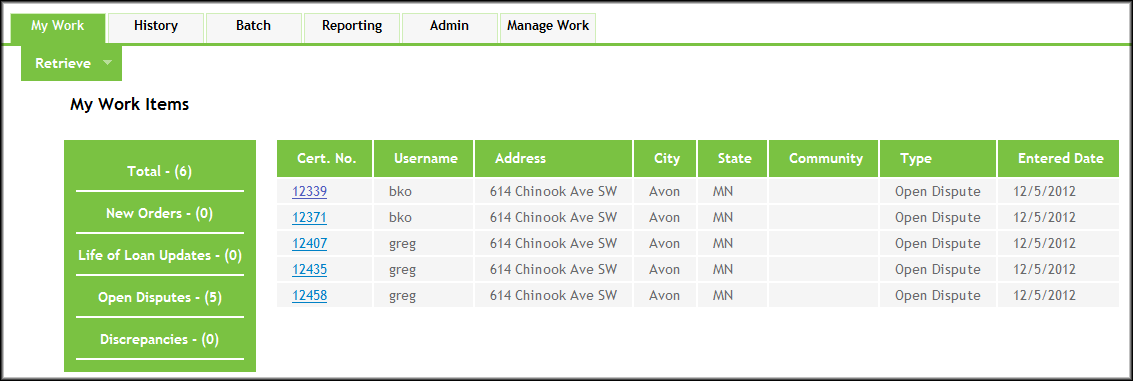
- From the My Work tab, select Open Disputes on the left side of the screen.
- A list of open disputed orders will appear. Click the Cert. No of an order to open it.
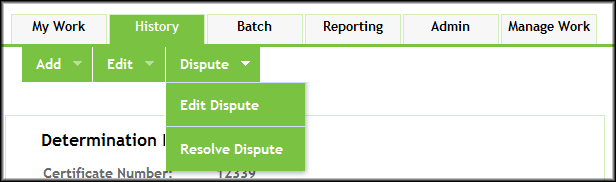
- From the Dispute menu, select either Edit Dispute or Resolve Dispute. See the respective sections for each for more information.
Note: For disputed orders possessing either a Canceled or Paid Off loan status, the following options appear for those users with a Manager, Supervisor, Customer Service, or Internal Mapper role:
- Add - Note
- Add - Reactivate
