The RFI (Request For Information) option allows users to request additional information from the client on a non completed order.
- From the Process Order menu, select Retrieve/RFI.
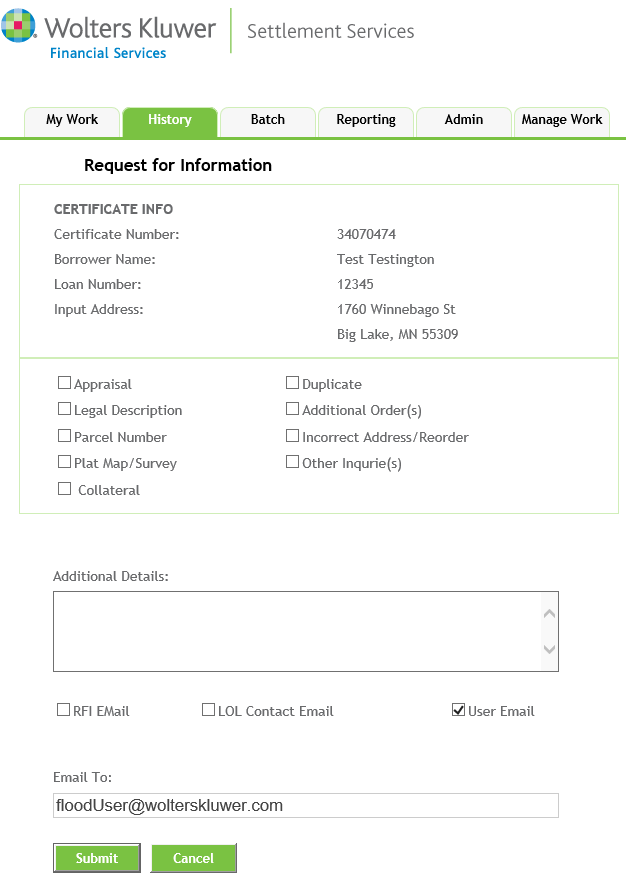
- From the Request for Information screen, select one of the following reasons:
- Appraisal
- Legal Description
- Parcel Number
- Plat Map/Survey
- Collateral
- Duplicate
- Additional Orders
- Incorrect Address/Reorder
- Other Inquiries
- Provide any further information in the Additional Details field
- Enter an email address in the Email To field.
- Click Submit.
