Viewing Order Information
/
Edit
Parent topic
:
Edit
Loan Status
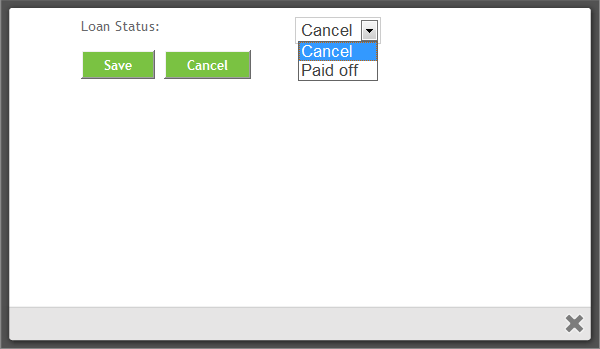
This section explains how to edit the loan status for a specific order.
To change the loan status on an order, click
Loan Status
from the
Edit
dropdown menu.
From the dropdown menu choose either
Cancel
or
Paid Off
.
Click
Save/Re-submit
. To cancel without changing the borrower and return to the history screen, click
Cancel
.
Additional Order Options