This section explains how to perform an Edit Clean Address Search and Edit a Clean Address.
- From the Admin tab, select Edit Clean Address. The Edit Clean Address Search screen appears.

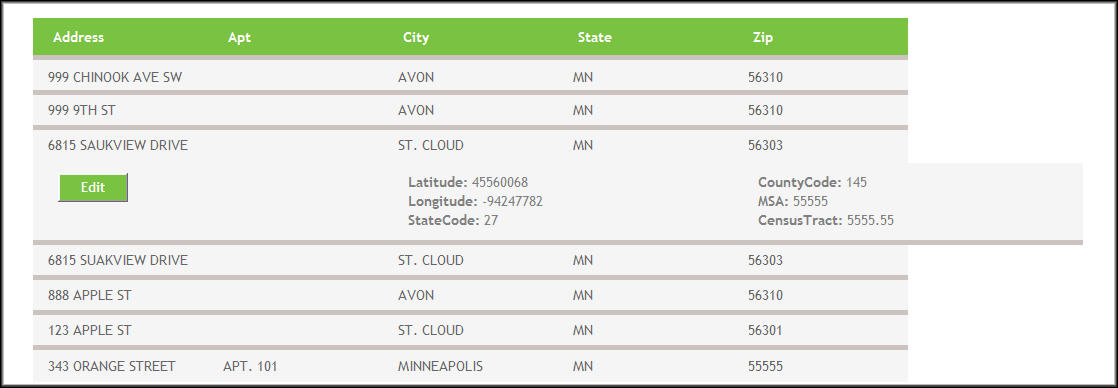
- From the corresponding results, select an entry by hovering over it and clicking Edit.
- The Edit Clean Address screen for that entry will appear. Make any changes as necessary. Click Save.
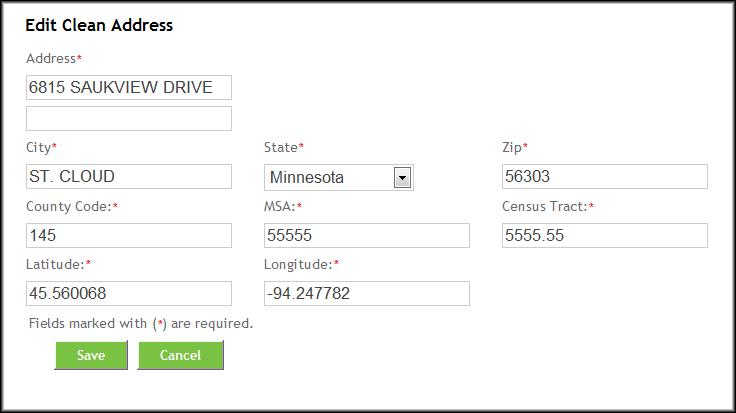 Note: Those fields marked with an asterisk (*) are required fields.
