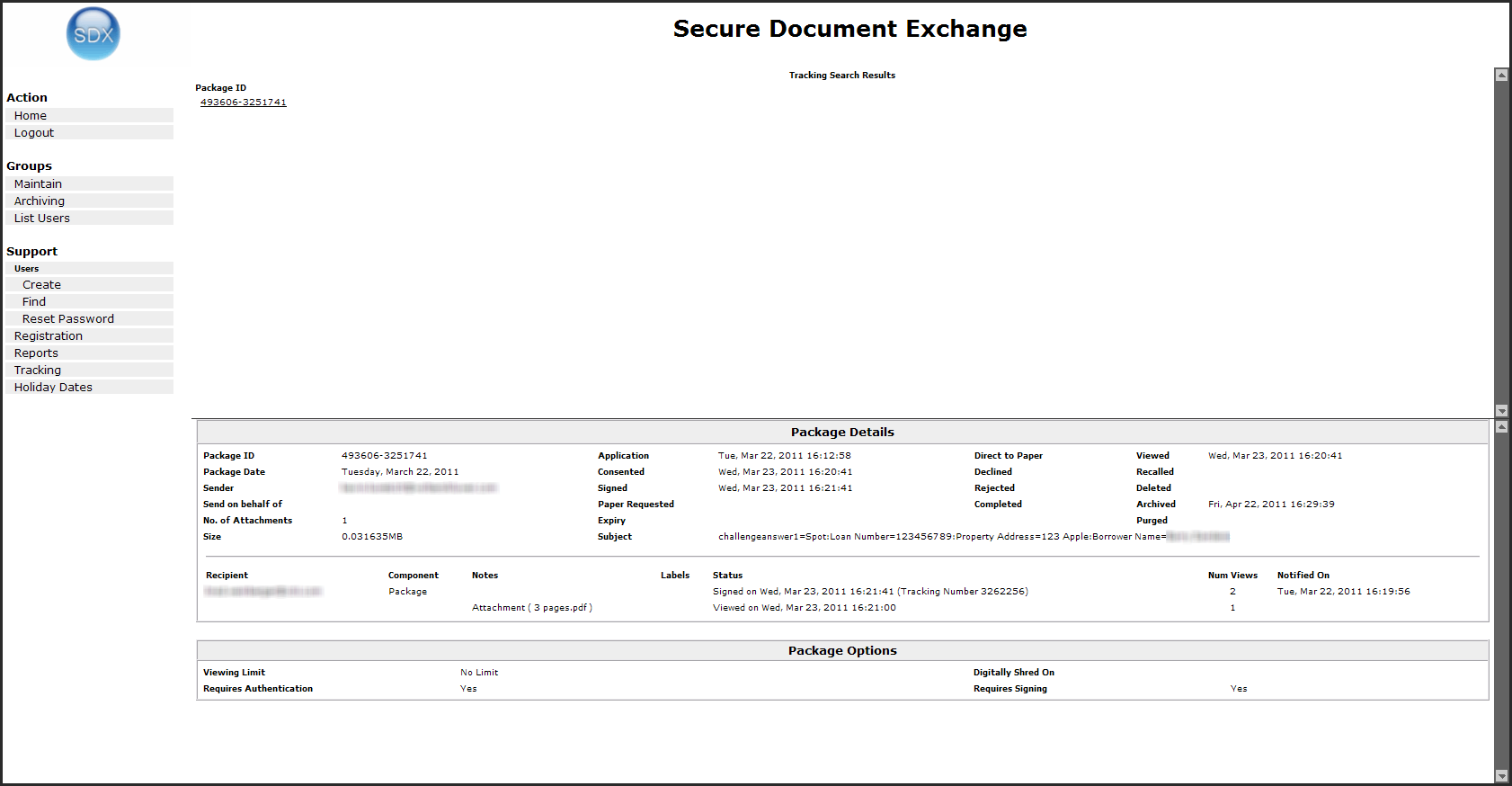
To track a package using a transaction number:
-
Click the Tracking link from the Support section of the navigation menu. The Tracking screen is displayed. Review Note: do we need to tell users what the tracking number is and where they would find it?
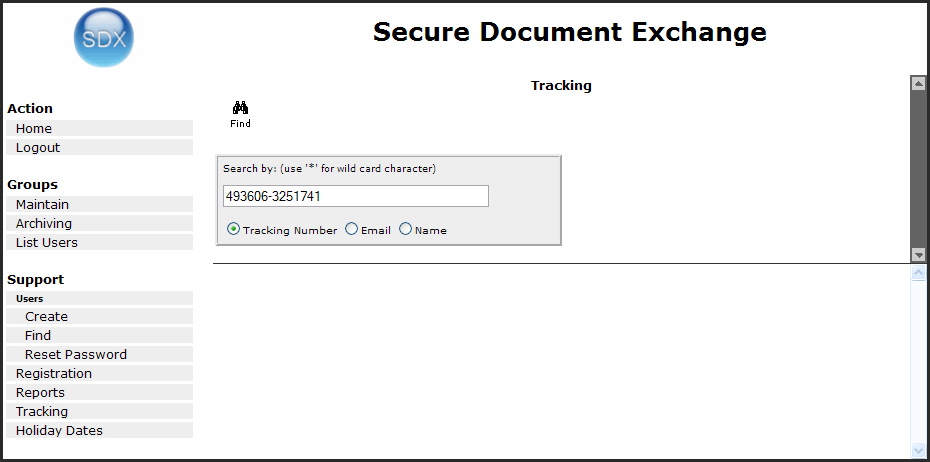
-
Click the link number. The package details are displayed in the bottom portion of the screen.