To track a package using a reference number: (review note: is reference number now loan number instead? will need to get this updated if it is.)
- Click the link number. The package details are displayed in the bottom portion of the screen.
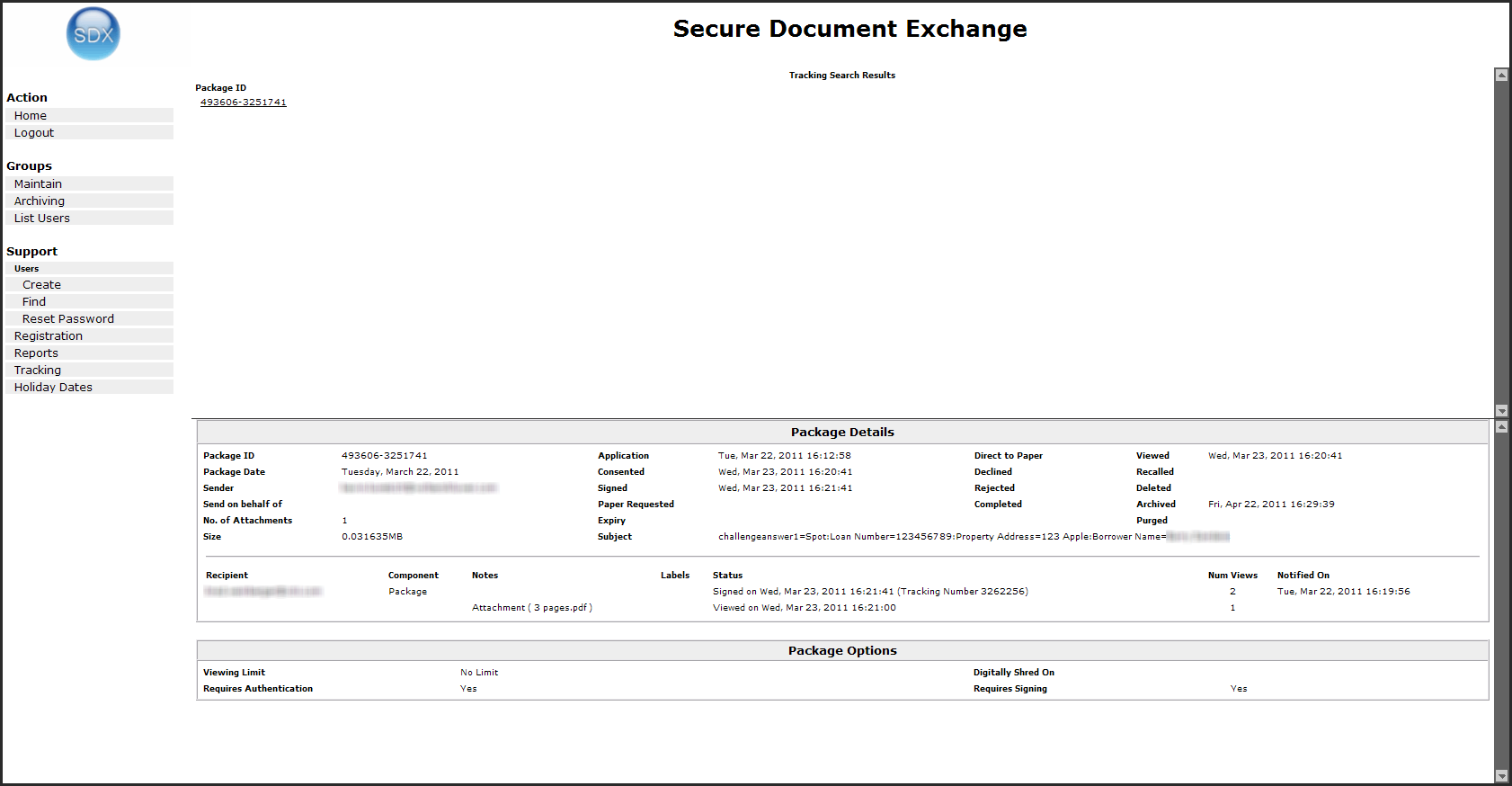
To track a package using a reference number: (review note: is reference number now loan number instead? will need to get this updated if it is.)
 |