This section explains how to create sub-calendars.
Note: Only administrators can create sub-calendars.
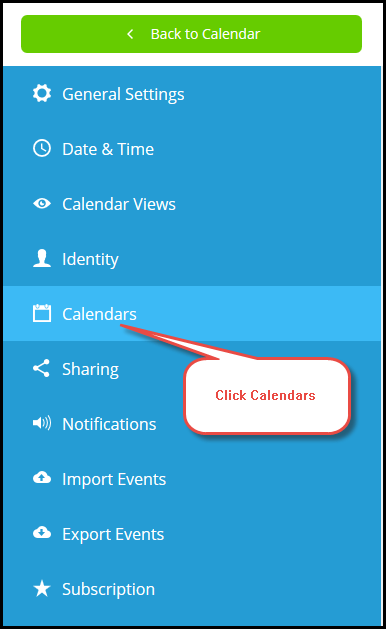
- Click Calendars. The list of Current Calendars appears.
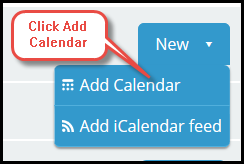
- Click the New dropdown and select Add Calendar.
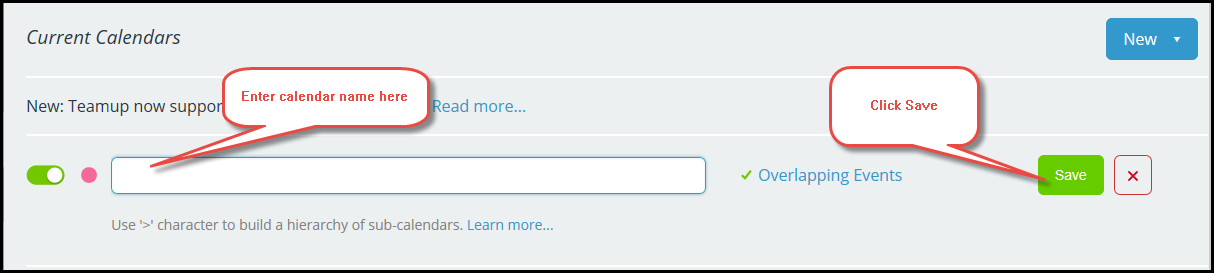
- In the text field, enter the name of the calendar. Click Save.