Modifying the Calendar look and feel
This section provides detailed information on modifying the calendar title, header logo, and background and font colors.
Note:
This is an Administrator-only feature.
Click
Settings
in the upper right corner of the page. By default, the
General Settings
page appears.
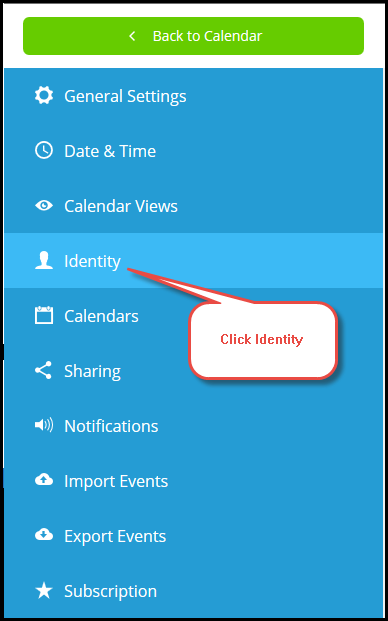
Click
Identity
on the left side of the page.
To modify the calendar title, simply click inside the
Calendar Title
field.

To update the header with a new logo, perform the following:
Verify the
CUSTOMIZE
and
DISPLAY LOGO
checkboxes are enabled.
Click the
Select Logo
button to locate and open a logo for placement on the calendar.
To modify the background color, add a unique Hex Color Code in the
BACKGROUND COLOR
field.
To modify the font color, add a unique Hex Color Code in the
FONT COLOR
field.
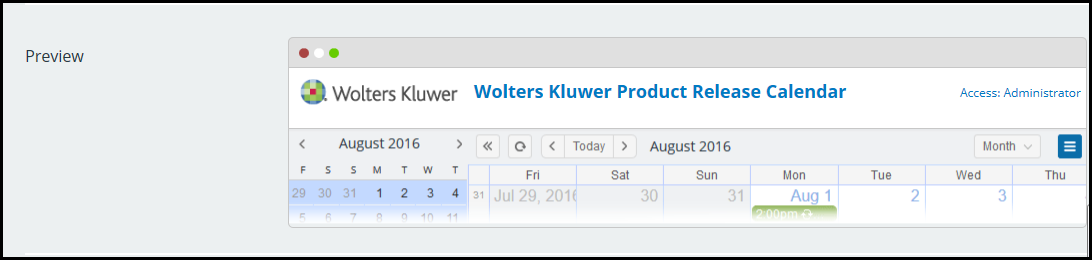
You can preview your changes in the
Preview
section.