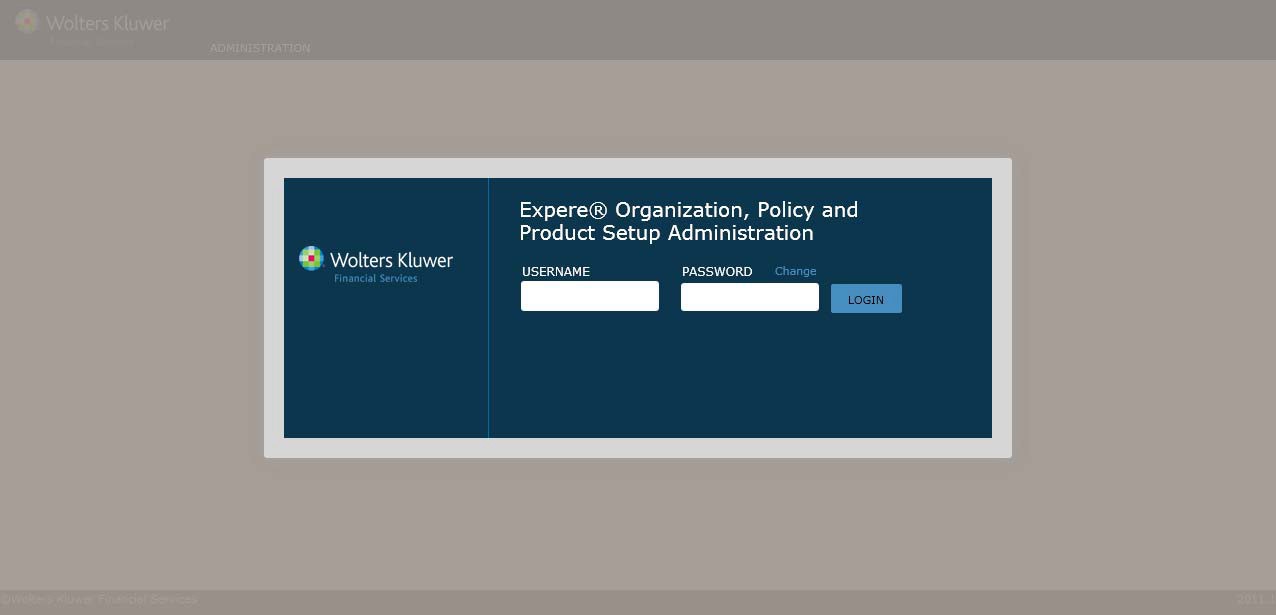
This procedure describes how all user accessOPPSA.
1. In a web browser, open OPPSA on the Expere server.The OPPSA Login screendisplays.
2. Enter your Username andPassword in the appropriate fields.
NOTE: Passwords are case sensitive(User Names are not). Each password must contain at least six letters,one number, and one specialcharacter.
3. Click Login.The organizations to which your user profilehas access displayon the Organizations screen.