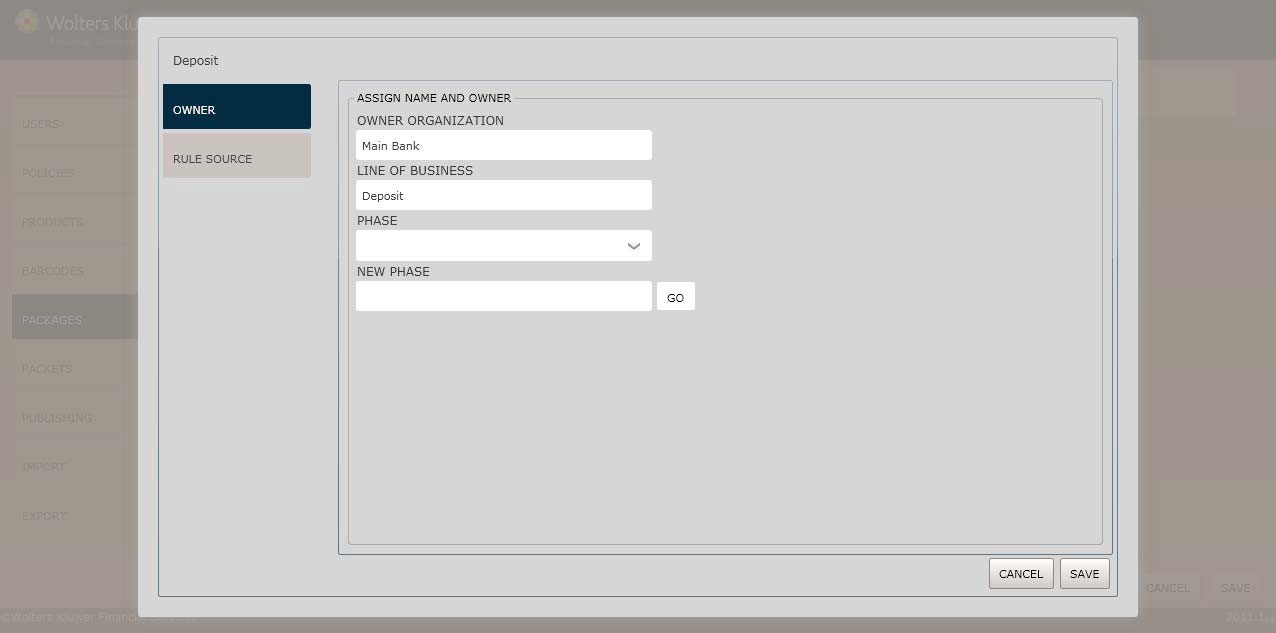
The naming convention for phase names is to match the value of the corresponding phase PackageID attribute (removingthe prefix). By following this convention, where all phase names match the PackageIDvalue without the prefix (typically PKG), the application better identifies package configuration settings to ensure the correctpackage is open. For example,if the PackageID valueis PKG.CommercialClosing, the phasename value must be CommercialClosing.
1. In the Phase field, select an existingphase to modifyor to create a new phase, enter the new name in the New Phase field.
2. Click the Go button to create the new phase. The Rules Source / Doc Selection screen displays.
3. Use the Rule Sourcetab to update the documentsfor the phase.
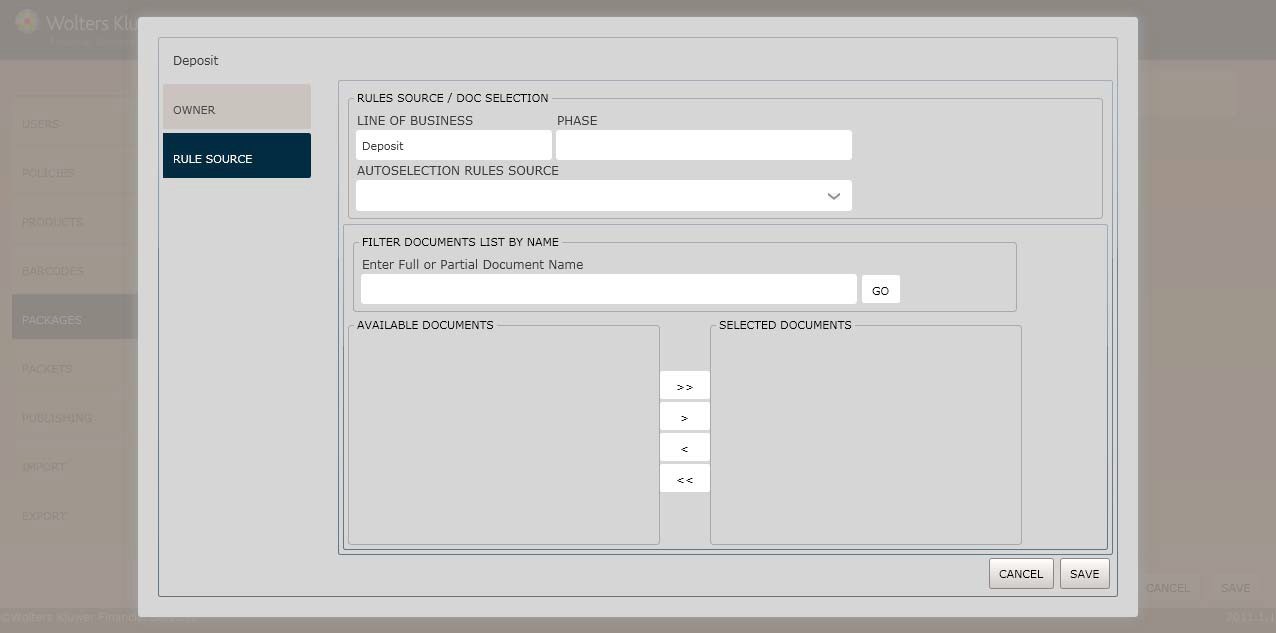
4. Select an Autoselection Rules Source.
This fieldallows you to select documents in an existing phase to add to the selectedphase. The autoselection rules used match whatever is in the sourcephase.
Select AllDocsto display a list of every document loadedto the Expere database. If you add a document from the AllDocslist to your selected phase,the document is auto- selectedwhen assemblyis performed for the selectedphase.
Selecting an OPPSA modified phase in the PacketsEditor will resultin the use of theOPPSA modifications, providingthe changes have been published.
5. Click the Save button.The Package is now availableto OPPSA users.
For information on displaying, editingor deleting barcodes, see Managing Packages, earlierin this section.