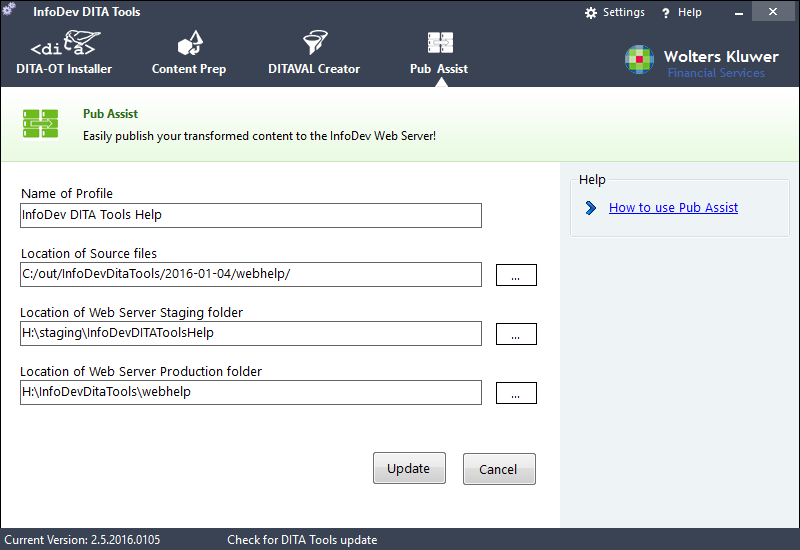
Editing a Pub Assist Profile
This topic explains how to edit an existing profile for Pub Assist.
To edit a profile:
Within DITA Tools, click
Pub Assist
.
The main Pub Assist screen is displayed
Select a profile from the Profiles list and click
Update
.
The Add/Edit panel slides into view.
Modify any of the fields on the screen as desired.
Click
Update
.
The profile is modified and saved to the profile settings.