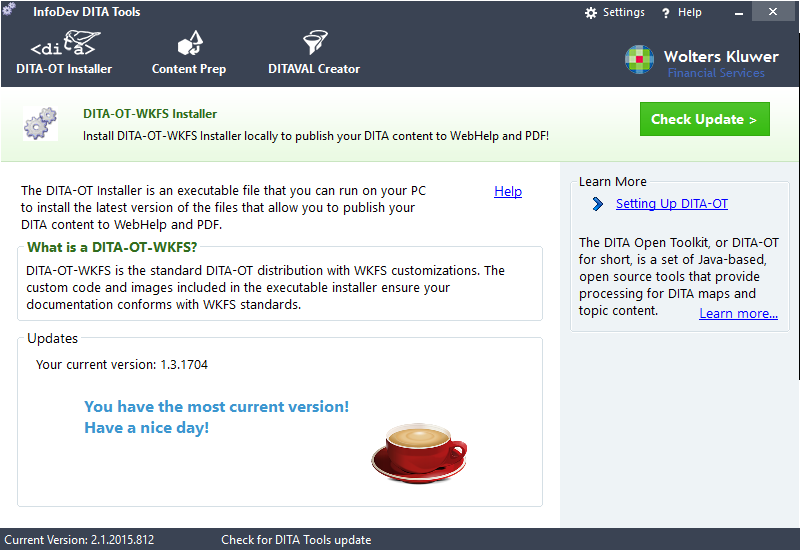
This topic provides the procedure for downloading the latest version of
DITA-OT-WKFS using InfoDev DITA Tools.
-
Run InfoDev DITA Tools.
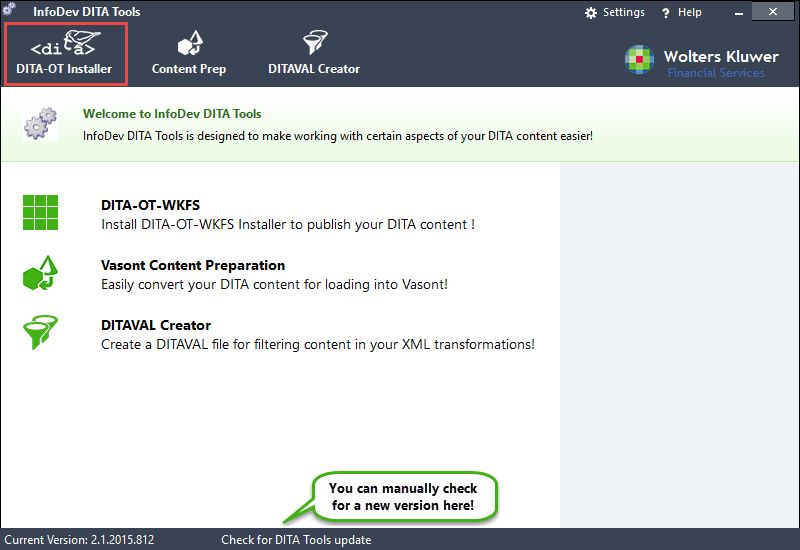
-
On the Tool Selection bar, click DITA-OT Installer (highlighted
above).
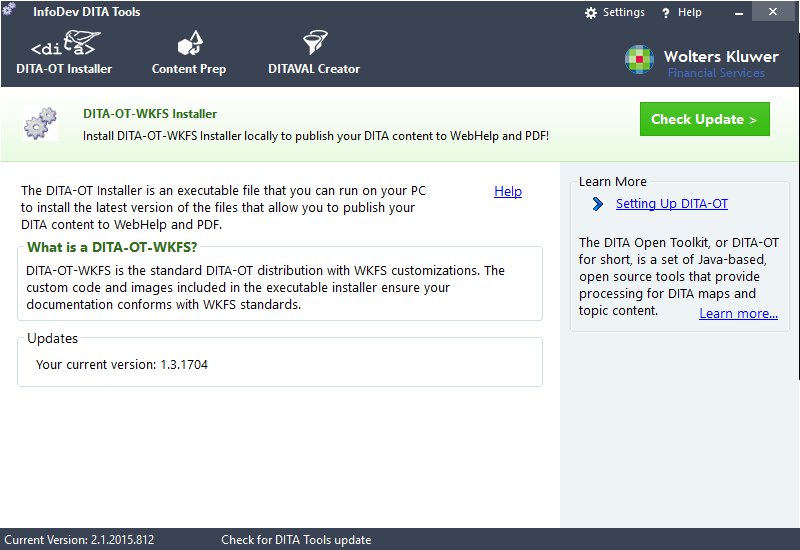
The DITA-OT-WKFS Installer screen is displayed, showing you a description of DITA-OT-WKFS, the latest version of DITA-OT-WKFS you currently have installed, as well as links to further conceptual information.
-
Click Check Update >.
InfoDev DITA Tools pauses briefly while accessing the latest version for comparison.
If a new version is available, a message is displayed prompting you to download the newer version.
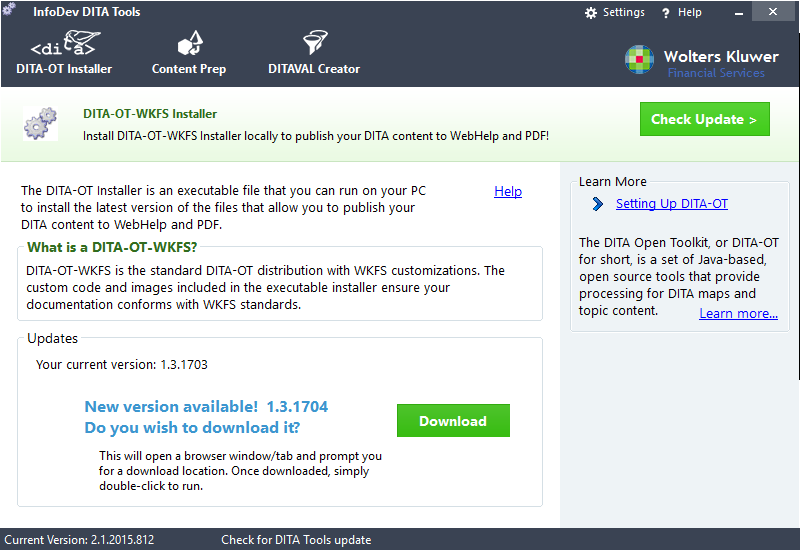
If you current have the latest version available, a message is displayed stating so.