Before creating a new requirement file you should have available a requirements document that outlines the properties and design options that should be used in creating the new file.
- In the File menu, click New.
- In the New File dialog box, select Expere Requirement Files and then select Inherited Requirement from the list of available options.
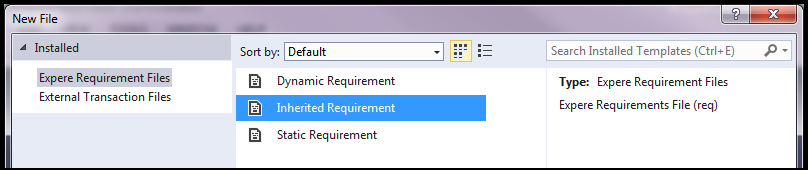
- In the New File dialog box, click Open.
- In the New Inherited Document dialog box:
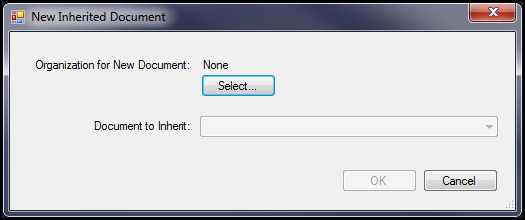
- Click Select to define the organization to associate with the document.
- Select the document to inherit.
- Click OK.
