- Open the static document in Requirements Editor (first tab is titled Form View rather than Outline Editor).
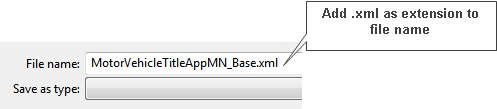
- From the menu, select Static > Export xTemplate. You will be prompted to save the xTemplate to a folder. Navigate to the desired folder. When naming the xTemplate, be sure to add the extension of xml to the file name.