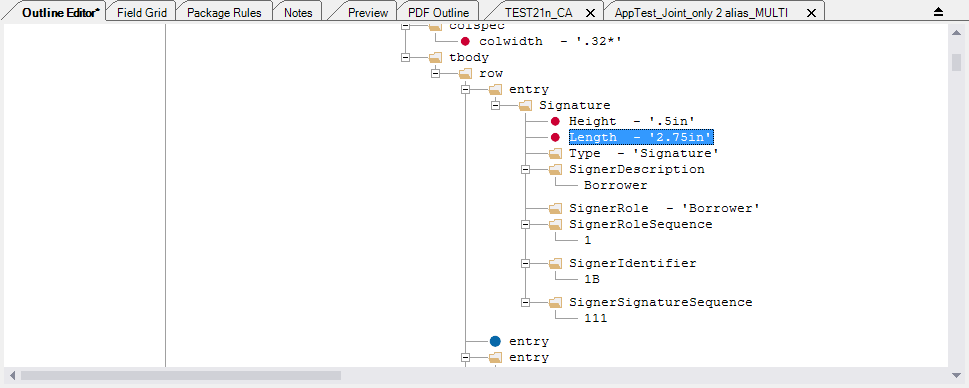
You can modify the height and length of any Signature field within a document. Default height is .5in and default length is 2.5in.
Note: For this example, we will increase the length of the Signature field.
- Locate the Signature field that you wish to edit.
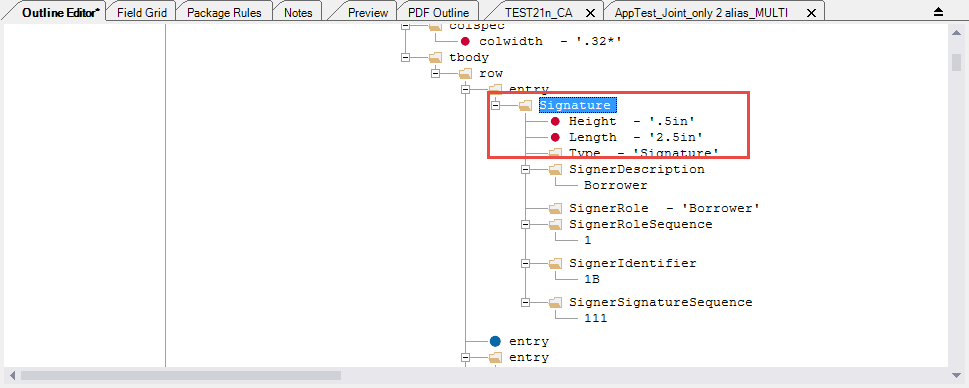
- The attributes of Height and Length are not automatically added when a Signature element is added to a document. To add a Height or Length, you will need to add them as an attribute.
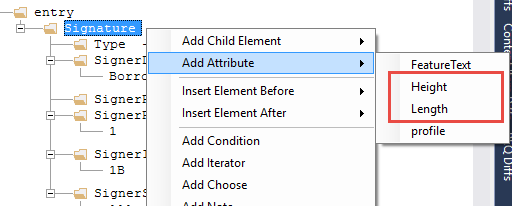
After you add the Height and Length, you will need to enter in a value. Entering the value in inches is best practice. If you do not need to override the default .5in height and/or the 2.5in length, then there is no need to add the additional attributes.
- If you wish to change a default value, double-click the value you wish to modify.The field is highlighted and placed in edit mode.
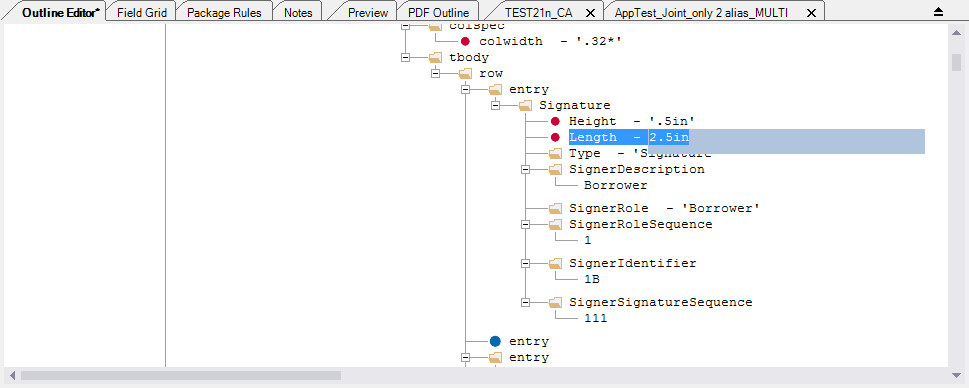
- Enter the desired value and press Enter. Best practice is to use values in inches (ex: 2.75in)The new value is accepted.