Selecting the context menu item Compare with Common Base from the REQ Diffs Window allows you to compare the existing customized version of the selected document with the Common Base version.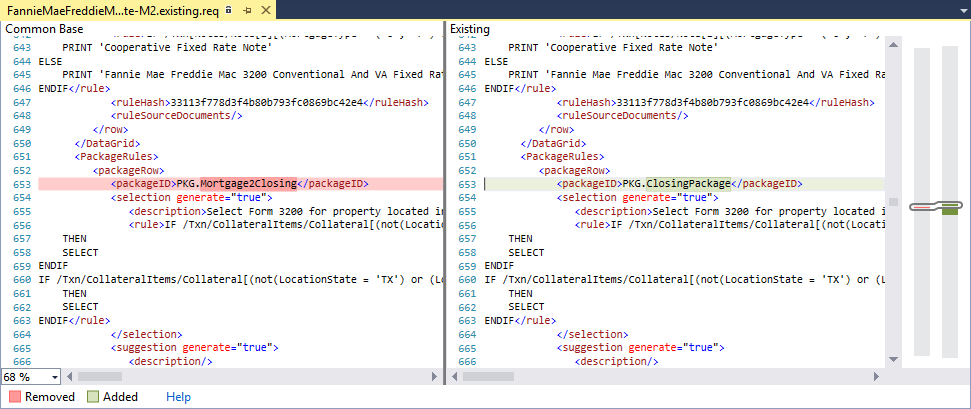
The selected document is displayed with the Common Base version on the left side of the window and the Existing version on the right.
The synchronized scroll bars on the right side of the window provide a visual clue as to locations within each version that contain identified differences.
