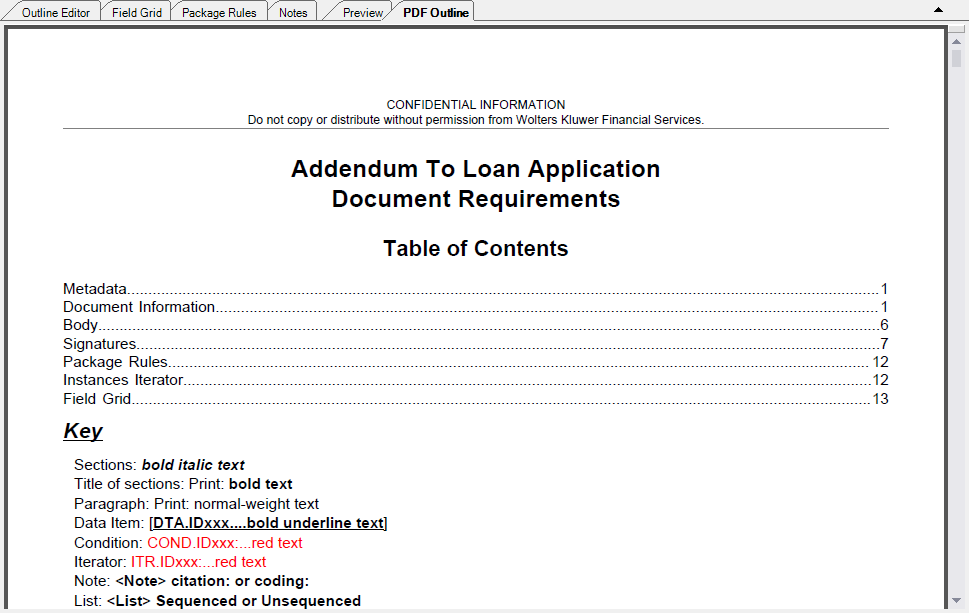
The PDF Outline perspective allows the author to create a PDF version of the requirements file as it appears in the Outline Editor. Included in the PDF outline are all metadata, document information, body sections, package rules, instances, and the field grid. This perspective is often used in testing a requirements file. The document opens in an integrated Adobe Acrobat Reader as a PDF.
The perspective is available by clicking the PDF Outline tab in the document pane. The PDF Outline is available for dynamic documents only. This is an example of the PDF outline perspective in a dynamic document.