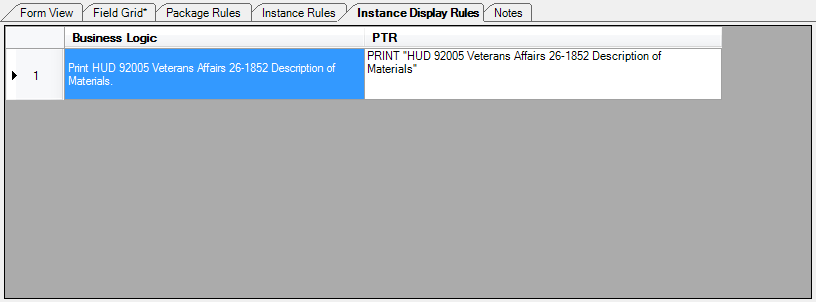
The Instance Display Rules perspective enables the author to identify cases when the form includes more than one variation (as distinguished from a copy of a form). Each static requirements file has an Instance Display Name and that name appears in a list of documents generated by a transaction. If the document is a multiple instance document, the instance display name is followed by a data item that determines which type of identifying information should print after the instance display name. The additional identifying information is typically an account number, borrower name, or some other piece of data that will distinguish one instance of the document from another.
The perspective is available by clicking the Instance Display Rules tab in the document pane. The Instance Display Rules perspective is available exclusively for static documents and is displayed when a static requirements file is opened.