The Spell Check feature of Requirements Editor allows yout to check the spelling of all text in any open dynamic document. Selecting Tools > Spell Check displays the familiar Spell Check dialog.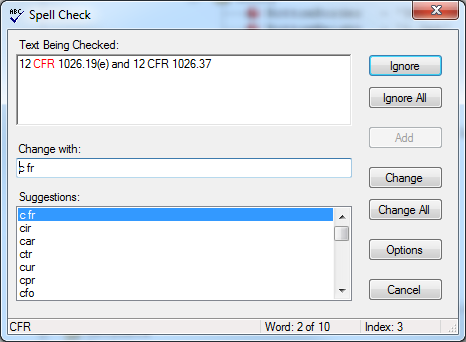
Note the following:
- Regardless of your location within the document, Spell Check begins at the top of the information within the Outline Editor tab.
- Only the information within the Outline Editor tab is checked. All other tabs are ignored.
- Code for graphics are not checked.
