The Document Details tab allows users to search and sort document specific information. See Attribute Fields and Search Attributes for more information.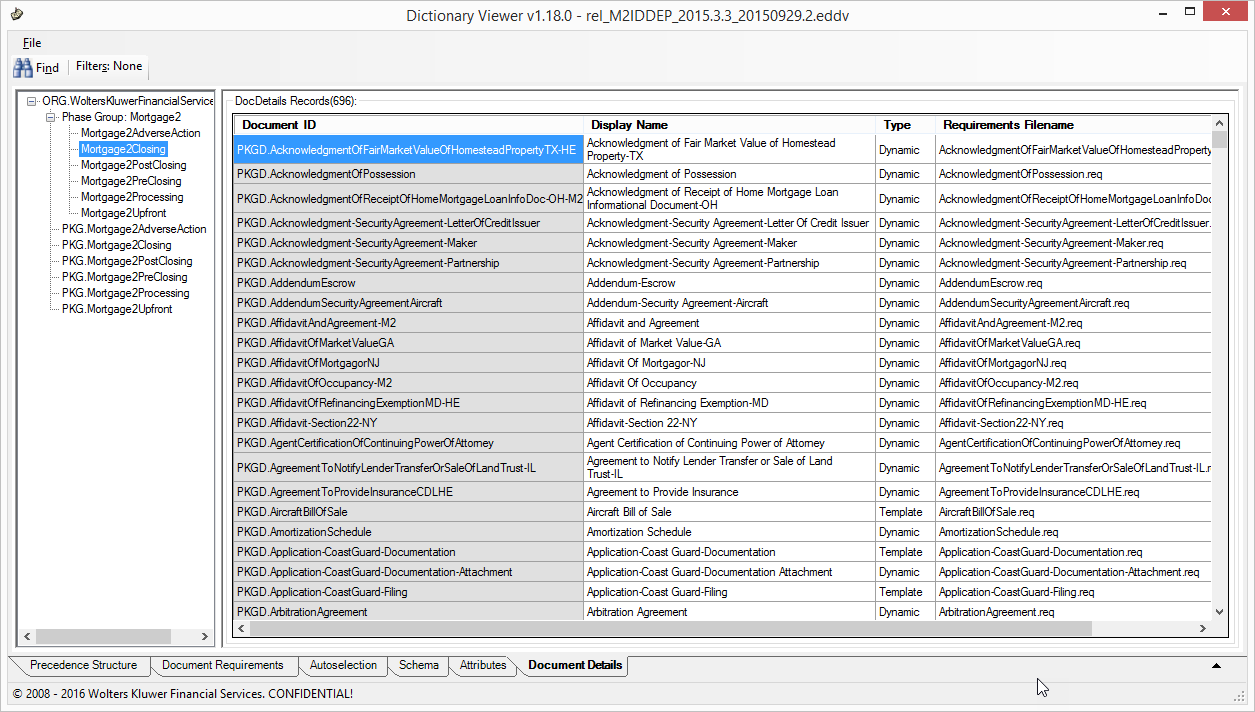
Attribute Fields
The following Attribute fields exist within the Document Details tab:
- Document ID: the unique identifying attribute for the document.
- Display Name: name displayed in the Requirements Editor
- Type: Dynamic or static (displayed as Template) document type.
- Requirements Filename: Actual file name (often synonymous with the Document ID)
Search Attributes
Attributes may be searched and filtered for data in any or all of the columns.
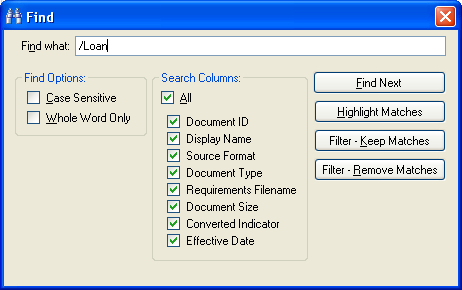
- The Find Next button will search within the grid and highlight the first match (from top to bottom based on the current sort order).
- The Highlight Matches option will highlight all matched search terms within the grid.
- The Filter – Keep Matches option finds all rows that contain a match and removes all other rows that do not match the search criteria.
- The Filter – Remove Matches feature removes all rows meeting the search terms.
Searching for Authorizations with the Filter – Keep Matches function, the DDV returns 29 matching rows and removes the rest.
To remove the filter, click the Filter button and select Remove Filter.

