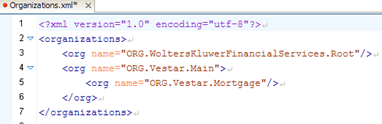
When you no longer need a precedence unit, it may be removed using the Admin Tool.
Note: When removing a precedence unit, the folder, files within it, and all system links to that precedence unit and content are deleted.
- Right-click and select Remove Precedence Unit.
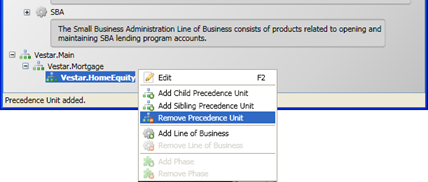
The precedence unit will be removed from the Admin Tool precedence view. - Select File>Save to commit the changes.The Organizations.xml file will be updated and the precedence unit folder will be removed.