Procedure

Follow the steps below to Build and Load content:

  1. Click the Tools menu to access the Expere runtime options.
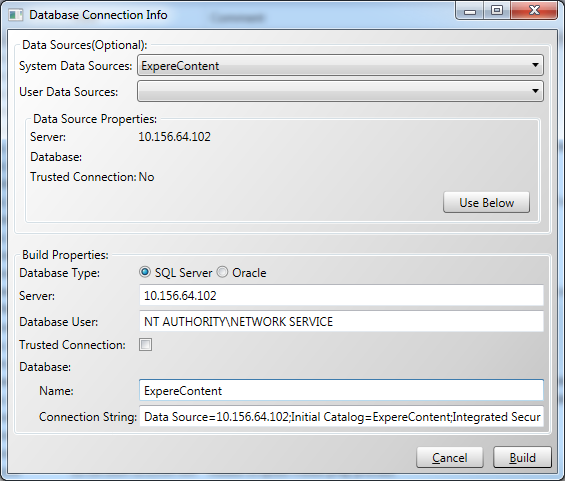
  2. Use the Load to Expere Runtime option to enter the existing target repository to load, and the target location for the finished build.
  3. Complete the fields in the Database Connection Info window for the runtime option you selected.
    For example, enter an SQL connection string, target repository, and location for the finished build, as shown below.
  4. Click the Build button.
    The Login window appears.
  5. Enter your server login credentials and click the OK button.
    The Building Repository window displays the build progress
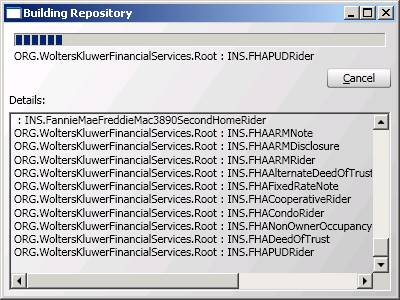

  6. When the build is complete, click the OK button to close the Building Repository window. You can now point to the build server location from any Expere instance.