To access the Windows command-line prompt (cmd.exe):
- Perform either of the following:
- Select Start > Programs > Accessories, and select Command Prompt.
- From the Start menu, choose Run, enter cmd, and press Enter.
The Command Prompt window appears.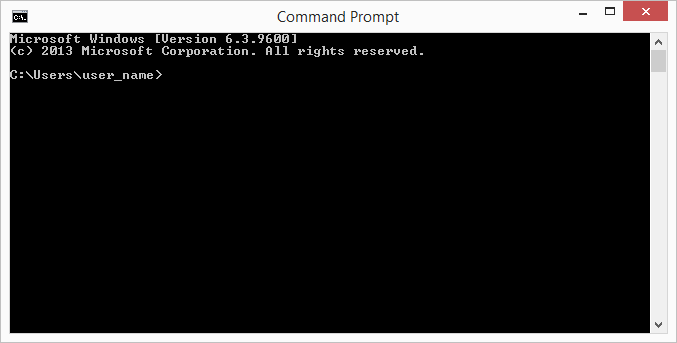
| The Expere Administration Tool / Command Line Options | |
To access the Windows command-line prompt (cmd.exe):
 |