Click the Version link on the main screen to access the Expere Testing System version information. A screen similar to the following figure appears.
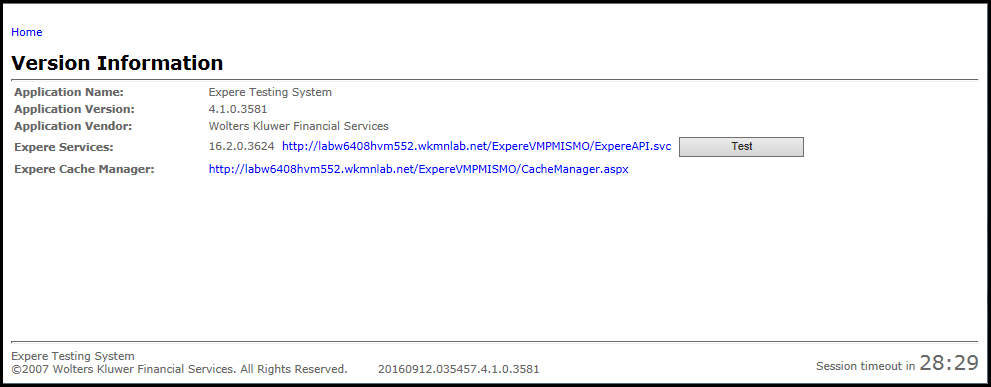
This screen provides important information regarding the current installation of the Expere Testing System, such as the version and build numbers.
The Test button allows the user to test the connection to the Expere Document Engine location. Upon completion, a message appears below the button indicating the status of the connection.
The Version Information page also contains a link for users to access the ExpereIE Cache Manager. See Appendix C: Clearing the Cache After Content Updates for more information.
Seeing Clearing Data for more information on clearing data and resetting the controls on the respective screen
